1
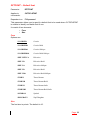
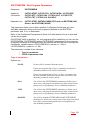
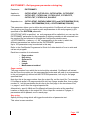
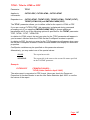
TOFMT – To format
Parameter
TOFMT
Applies to
commands:
CVTSPLSTMF
Dependent on:
None
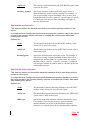
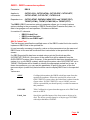
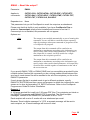
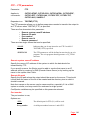
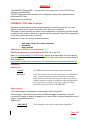
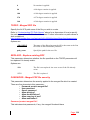
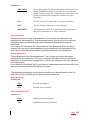
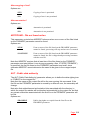
The TOFMT (To Format) parameter allows you to select the format to which the
spooled file should be converted by the CVTSPLSTMF command.
You may find it simpler to use the format-specific command corresponding to the
format you wish to convert your spooled file to. For example, you can run
CVTSPLPDF rather than CVTSPLSTMF…TOFMT(*PDF).
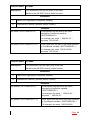
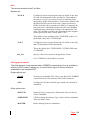
The options are
*TEXT
(Default) Plain ASCII text.
The textual content of the spooled file is converted to ASCII
text records terminated by carriage return/line feed pairs.
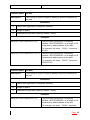
*PDF
Portable Document Format (PDF)
The contents and attributes of the spooled file are converted to
PDF format. PDF files can be viewed and printed using the
free Adobe Acrobat Reader program.
Every effort is made to ensure that the report will appear in
the Acrobat Reader exactly the same as the original paper
report.
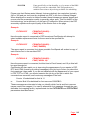
*RTF
Rich Text Format (RTF)
The contents and attributes of the spooled file are converted to
RTF format. RTF files can be viewed and printed using most
commonly used Word Processing applications, such as MS
Word, Lotus WordPro or MS WordPad.
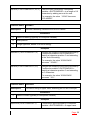
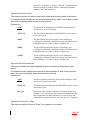
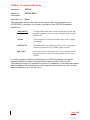
*XLS
Excel © (BIFF) format
The textual content of the spooled file is converted to columns
and rows in an Excel spreadsheet.
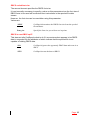
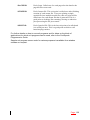
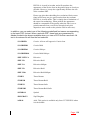
*HTMLCSS
HTML with Cascading Style Sheet features
The contents and attributes of the spooled file are converted to
HTML including Cascading Style Sheet (CSS) features,
viewable in a browser that supports CSS. Text attributes such
as variable font sizes and typefaces, highlighting and
underlining are reflected in the stream file, and text
Page: 200