iMarketsTrader User Guide
4.
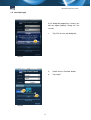
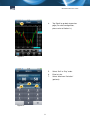
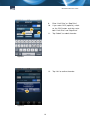
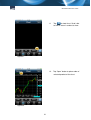
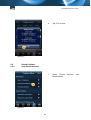
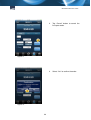
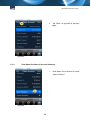
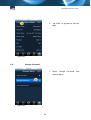
Tap “Back” to go back to previous
page (For chart configuration,
please refer to Section 3.).
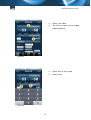
Figure 11
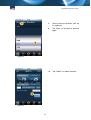
5.
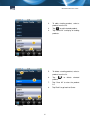
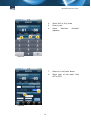
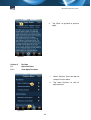
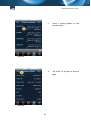
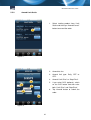
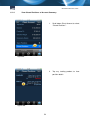
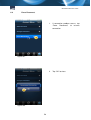
Select “Sell” or “Buy” order.
6.
Enter lot size.
7.
Select “Maximum Deviation”
(optional).
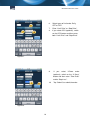
Figure 12
8