1
Create a Download
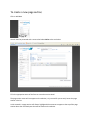
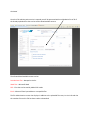
Any of the uploaded files can be added as a download in the Webwizard.
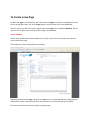
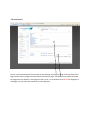
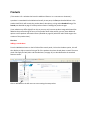
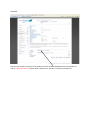
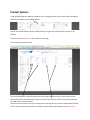
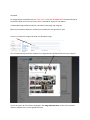
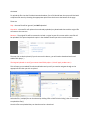
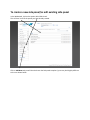
To create a download, we need to open the Downloads section from the menu on the left side of the
Webwizard.
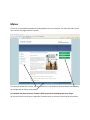
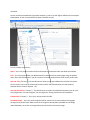
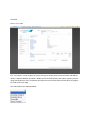
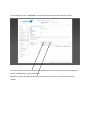
This will display any downloads that have already been created.
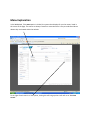
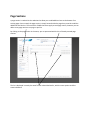
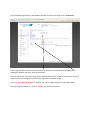
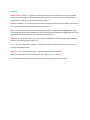
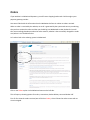
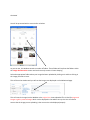
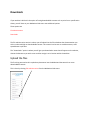
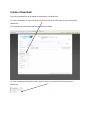
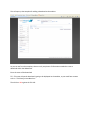
To create a new download, we will need to click on the Add New option on the left menu of the
Webwizard.