1
MONITORED DOSAGE SYSTEMS
-
-
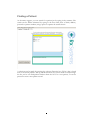
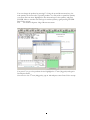
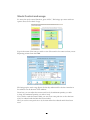
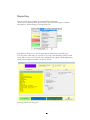
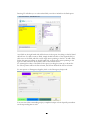
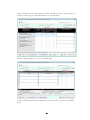
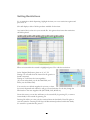
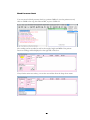
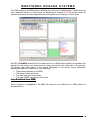
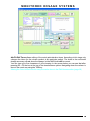
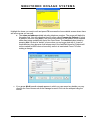
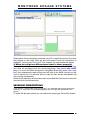
AUTO – The AUTO ordering system looks at the stock levels before placing the item on
the order page. The system will identify the current level of stock and determine whether
the item has reached minimum level.
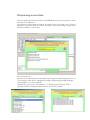
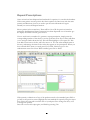
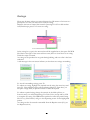
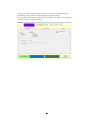
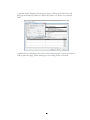
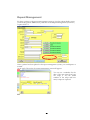
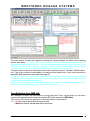
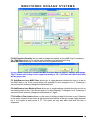
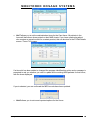
CONFIRM AUTO – Same system as replace but at the end of the each script, and order
basket appears.
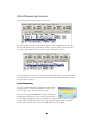
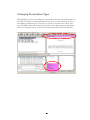
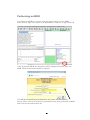
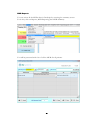
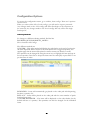
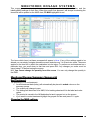
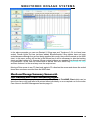
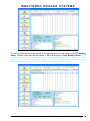
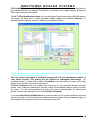
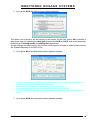
With the MDS system you have an option to choose whether you like to order items after being
dispensed, or add to order when a MAR chart is printed.
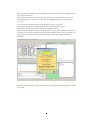
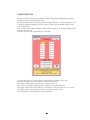
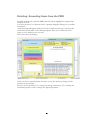
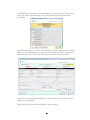
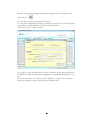
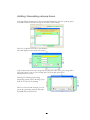
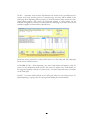
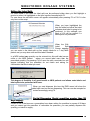
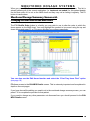
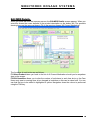
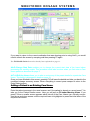
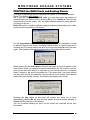
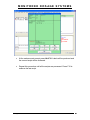
There is a facility whilst in the labelling screen to enter a tick in the No-reorder box using Alt + N.
This feature is particularly useful when you want to order stock from CDS for a Manrex or
Venalink Care Home. A tick in the box means that this product will not appear in the order basket
at any time during the dispensing process. So you could say Yes to ordering stock for each
patient and CDS lines will not come up in the order basket.
RX Systems © 2005
66