1
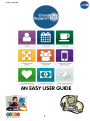
An easy user guide
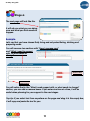
Stage 3:
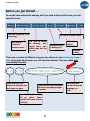
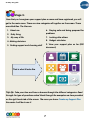
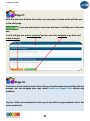
Now that you have given your support plan a name and have registered, you will
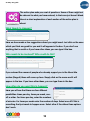
get to the main menu. There are nine categories all together on the screen. These
are called tiles. The tiles are:
1. About me
2. Daily living
6. Staying safe and being prepared for
problems
3. My way of life
7. Looking after others
4. Making decisions
8. Budget calculator
5. Finding support and choosing staff
9. View your support plan so far (PDF
document)
That is what it looks like
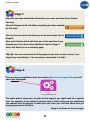
Top-tip: Take your time and have a browse through the different categories. Read
through the type of questions asked. Read through the examples we have provided
on the right hand side of the screen. The more you know Create my Support Plan
the easier it will be to use it.
7