1
2.
Extending an Order
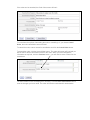
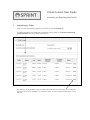
When you click Extend in the Amendments and Extensions table, the order extension
screen will load.
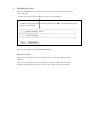
You have to enter a date that is after the current end date displayed.
Enter the new date and click the Extend Order button.
Notes about Tables
All the tables on the Menu and Search pages can be sorted by clicking the column
headings.
Tables can be multi page. If there is more than one page, the page numbers will be
displayed at the bottom of the table. Click the page number to move to that page.