1
Connecting to the X-Modem
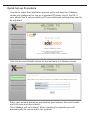
The X-Modem provides a web-based (HTML) graphical user interface
allowing users to manage the modem using a standard browser such as
Netscape Navigator or Microsoft Internet Explorer.
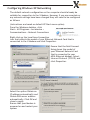
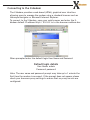
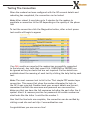
To connect to the X-Modem, open your web browser and enter the XModem default IP address http://10.0.0.2 in to the browsers address bar.
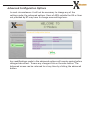
When prompted enter the default login User Name and Password.
Default login details
User Name: admin
Password: password
Note: The user name and password prompt may take up to 1 minute the
first time the modem is accessed. If the prompt does not appear please
check your browsers proxy settings to ensure that no proxy servers are
configured.