1
Example Transactions
Ulster Bank Xplorer
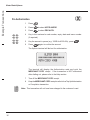
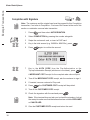
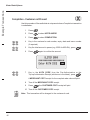
Completion - Customer not Present
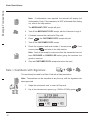
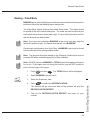
Use this procedure if the cardholder is not present when a Completion transaction
is undertaken:
1
Press
.
2
Press
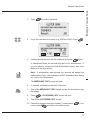
to select HOTEL MODE.
3
Press
to select COMPLETION.
4
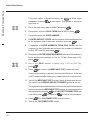
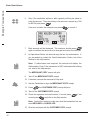
Key in the customer's card number, expiry date and issue number
(if required).
5
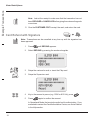
Key the total amount in pence (e.g. 6000 for €60.00c), press
6
Press
.
again to confirm the amount.
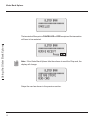
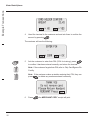
ULSTER BANK
********************
Enter AUTH CODE
7
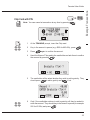
Key in the AUTH CODE from the Pre-Authorisation or the
Top-up Authorisation Receipt (whichever is the latest), press
.
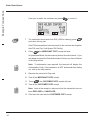
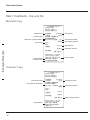
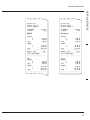
A MERCHANT COPY receipt for the complete sale value will print.
8
Tear off the MERCHANT COPY receipt.
9
Press
, the CUSTOMER COPY receipt will print.
10 Tear off the CUSTOMER COPY receipt.
Note: This transaction will be charged to the customer's card.
40