1
25
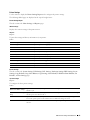
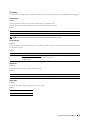
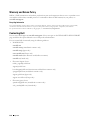
Maintaining Your Printer
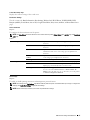
Periodically, your printer requires you to complete certain tasks to maintain optimum print quality. If several people
are using the printer, you may want to designate a key operator to maintain your printer. Refer printing problems and
maintenance tasks to this key operator.
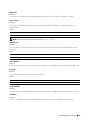
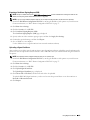
Determining the Status of Supplies
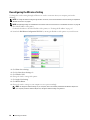
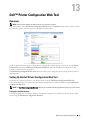
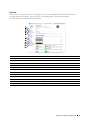
If your printer is connected to the network, the Dell Printer Configuration Web Tool can provide instant feedback
on remaining toner levels. Enter the printer's IP address in your web browser to view this information. To use
the E-mail Alert feature that notifies you when the printer requires new supplies, enter your name or the name of
the key operator in the e-mail list box.
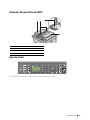
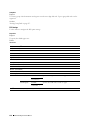
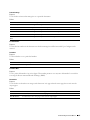
On the operator panel, you can also confirm the following:
•
Any supply or maintenance items that require attention replacing (However, the printer can only display
information about one item at a time.)
•
Amount of toner remaining in each toner cartridge
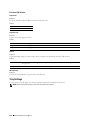
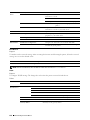
Conserving Supplies
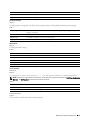
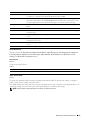
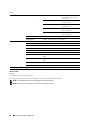
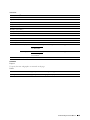
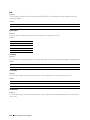
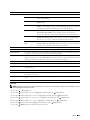
You can change several settings in your printer driver to conserve toner cartridge and paper.
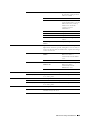
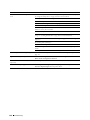
Supply
Setting
Toner cartridge
Toner Saving Mode in the Graphics This check box allows the users to select a print mode that uses less
tab of the printer driver
toner. When this feature is used, the image quality will be lower
than when it is not used.
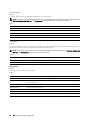
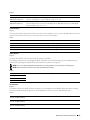
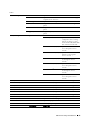
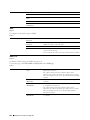
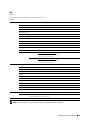
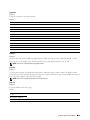
Function
Print media
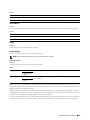
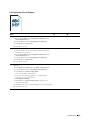
Multiple Up in the Layout tab of
the printer driver
The printer prints two or more pages on one side of a sheet. The
available numbers that each printer driver can print one sheet of
paper are as follows:
• PCL/XML Paper Specification (XPS) printer driver: 2, 4, 8, or 16
pages
• PS printer driver: 2, 4, 6, 9, or 16 pages
Combined with the duplex setting, Multiple Up allows you to
print up to 32 pages on one sheet of paper. (16 images on the front
and 16 on the back)
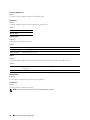
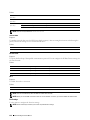
Storing Print Media
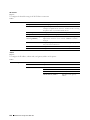
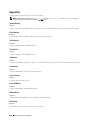
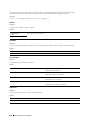
To avoid potential paper feeding problems and uneven print quality, there are several things you can do.
•
To achieve the best possible print quality, store print media in an environment where the temperature is
approximately 21°C (70°F) and the relative humidity is 40%.
•
Store cartons of print media on a pallet or shelf, rather than directly on the floor.
•
If you store individual packages of print media out of the original carton, ensure that they rest on a flat surface so
the edges do not buckle or curl.
•
Do not place anything on top of the print media packages.
Maintaining Your Printer
261