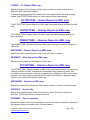
1
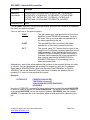
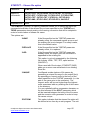
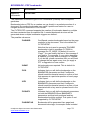
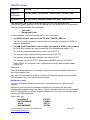
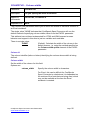
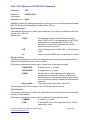
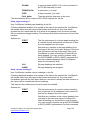
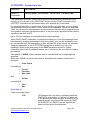
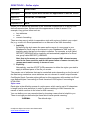
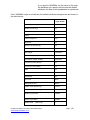
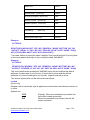
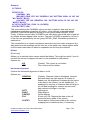
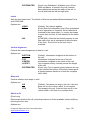
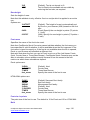
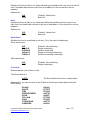
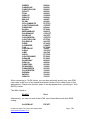
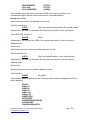
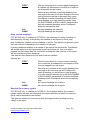
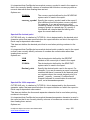
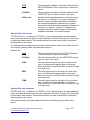
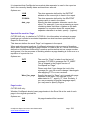
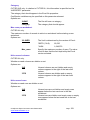
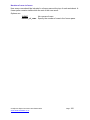
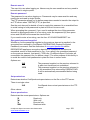
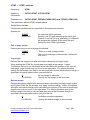
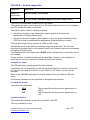
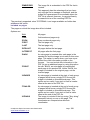
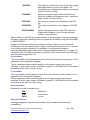
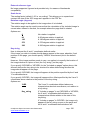
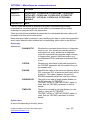
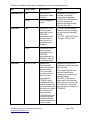
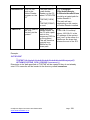
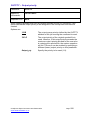
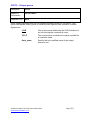
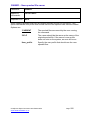
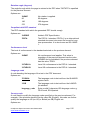
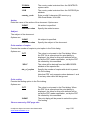
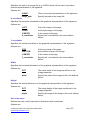
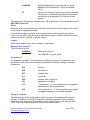
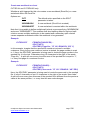
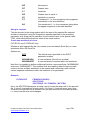
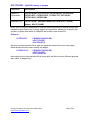
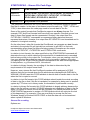
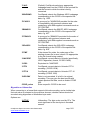
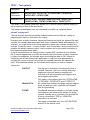
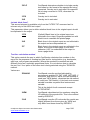
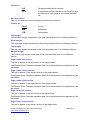
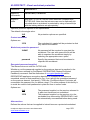
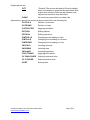
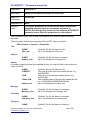
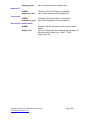
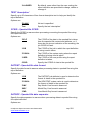
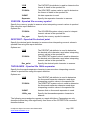
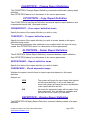
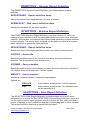
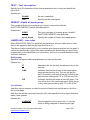
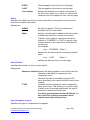
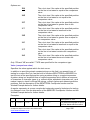
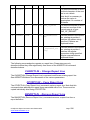
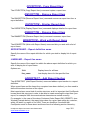
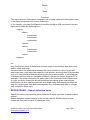
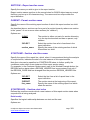
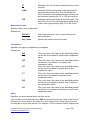
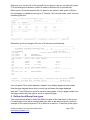
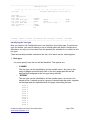
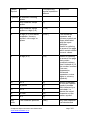
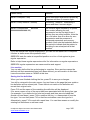
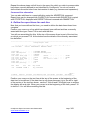
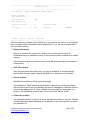
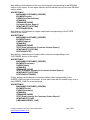
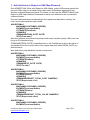
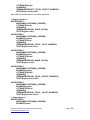
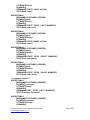
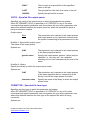
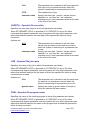
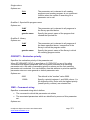
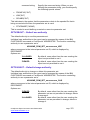
is already associated with a line type, you will be able to change the definition of that line type, otherwise you will be prompted to create a new line type. You should see something like the screen below. At the top of the screen you will see the line from the report against which you pressed F10 with a “ruler” above it to aid with column identification. If you position the cursor on a field that has a limited number of possible values and press F4, you will be prompted with a list of possible options. Specify the following basic information for the line: Line name Specify a name for the report line. Report line names may be up to 20 characters long but otherwise confirm to the normal system i standards for object naming. If you leave any spaces inside the name, they will automatically be converted to underscores. Text 'description' Give the line some descriptive text. If no text is specified, it is automatically derived from the line name. Specify *BLANK if you want the text left blank. Line type Specify what kind of line it is, e.g.: o o o o o *DETAIL *PAGHDG *COLHDG *SUMMARY *OTHER A report detail line A page heading A column heading A summary line (e.g. totals) Some other type of line CoolSpools Spool Converter User Guide V6R1 www.ariadnesoftware.co.uk Page: 333