1
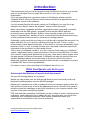
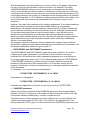
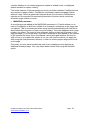
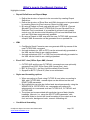
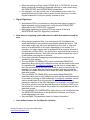
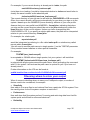
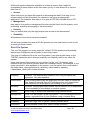
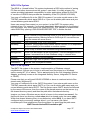
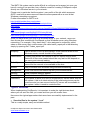
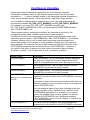
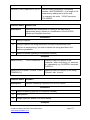
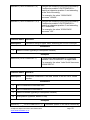
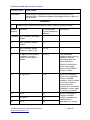
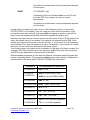
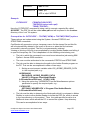
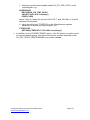
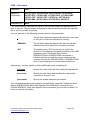
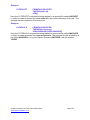
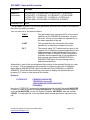
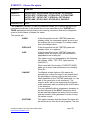
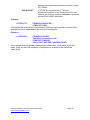
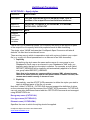
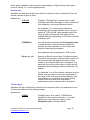
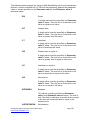
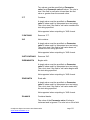
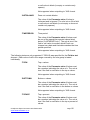
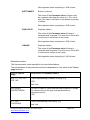
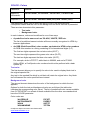
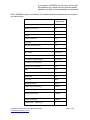
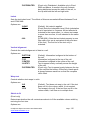
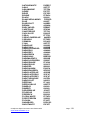
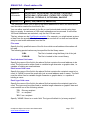
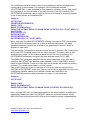
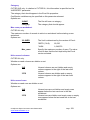
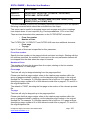
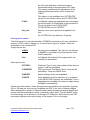
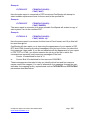
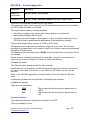
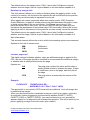
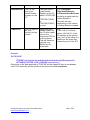
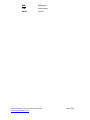
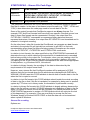
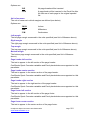
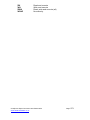
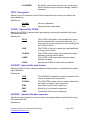
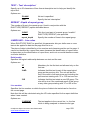
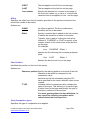
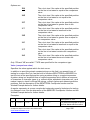
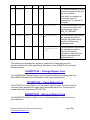
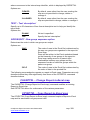
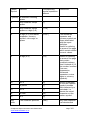
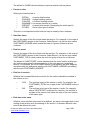
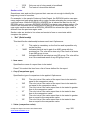
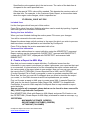
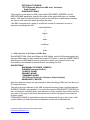
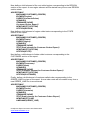
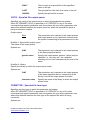
*WHITESMOKE
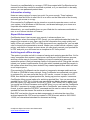
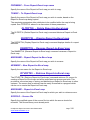
*YELLOW
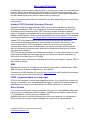
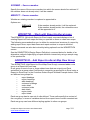
*YELLOWGREEN
F5F5F5
FFFF00
9ACD32
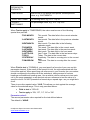
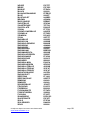
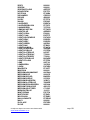
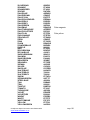
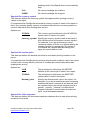
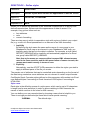
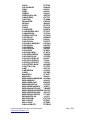
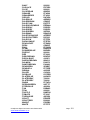
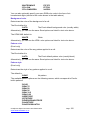
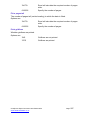
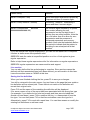
You can also optionally specify your own RGB color code in the form of six
hexadecimal digits (similar to the codes shown in the table above).
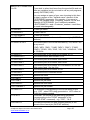
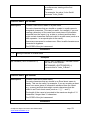
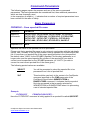
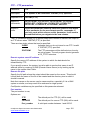
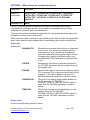
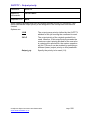
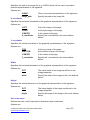
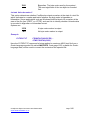
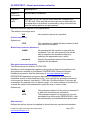
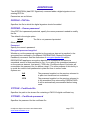
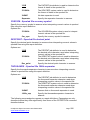
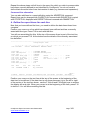
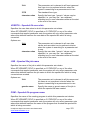
Background color
Determines the color of the background of a cell.
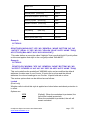
The Excel default is:
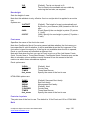
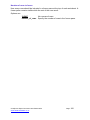
*AUTO
The Excel default background color (usually white)
Alternatively, you can use the same Excel options as listed for text color above.
The HTML/XML default is:
*WHITE
White
Alternatively, you can use the HTML color options as listed for text color above.
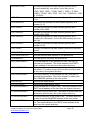
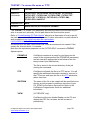
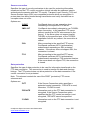
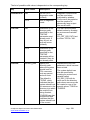
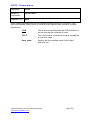
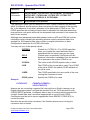
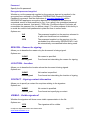
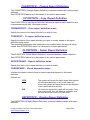
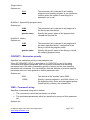
Pattern color
(Excel only)
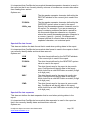
Determines the color of the any pattern applied to a cell.
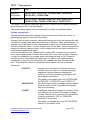
The Excel default is:
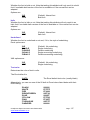
*AUTO
The Excel default pattern color (usually black)
Alternatively, you can use the same Excel options as listed for text color above.
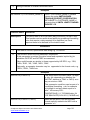
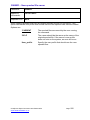
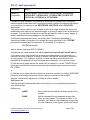
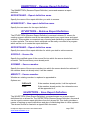
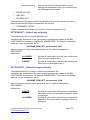
Pattern style
(Excel only)
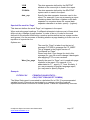
Determines the style of any pattern applied to a cell.
The default is:
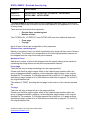
*NONE
No pattern
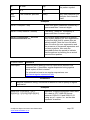
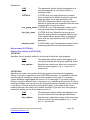
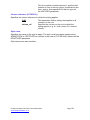
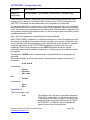
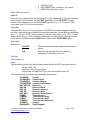
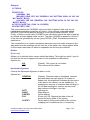
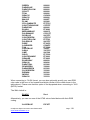
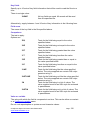
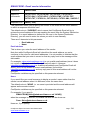
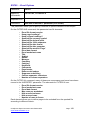
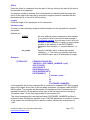
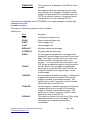
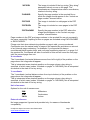
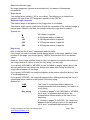
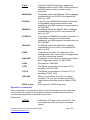
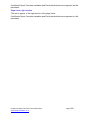
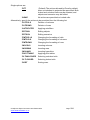
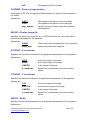
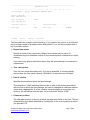
The available pattern options are the following names, which correspond to Excel’s
builtin patterns:
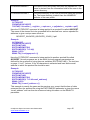
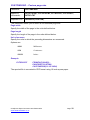
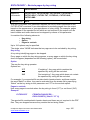
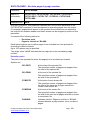
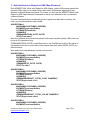
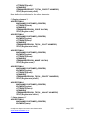
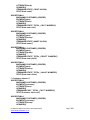
*SOLID
*GRAY75
*GRAY50
*GRAY25
*GRAY12.5
*GRAY6.25
*HRZSTRIPE
*VRTSTRIPE
*REVERSEDIAGSTRIPE
*DIAGSTRIPE
*DIAGCROSSHATCH
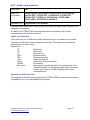
CoolSpools Spool Converter User Guide V6R1
www.ariadnesoftware.co.uk
Page: 122