1
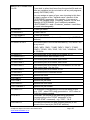
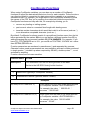
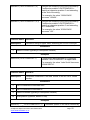
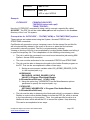
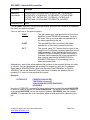
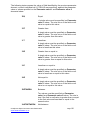
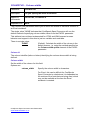
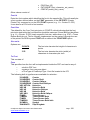
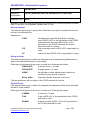
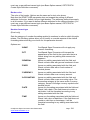
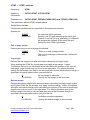
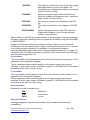
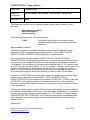
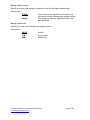
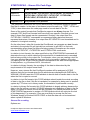
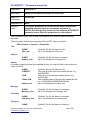
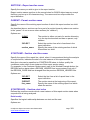
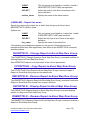
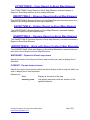
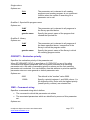
*FONTNAME
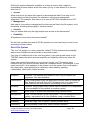
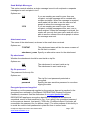
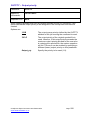
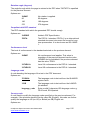
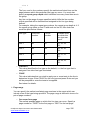
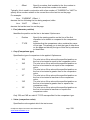
The font size is implied by the font resource name.
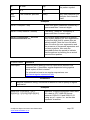
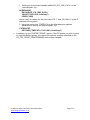
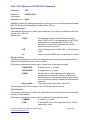
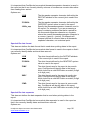
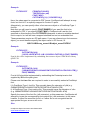
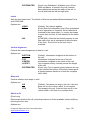
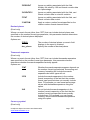
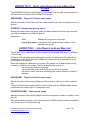
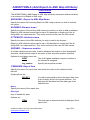
Font_size
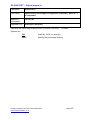
The font size in points.
Some font resource objects (typically raster fonts) imply a specific font size, while
others (typically outline fonts) do not. A point size is normally specified for use with a
font resource through the use of the printer file DDS keyword FNTCHRSET with the
*POINTSIZE option.
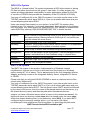
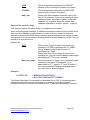
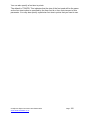
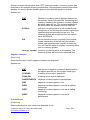
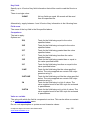
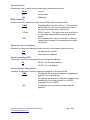
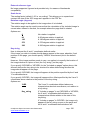
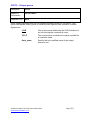
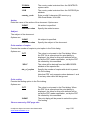
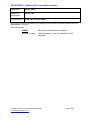
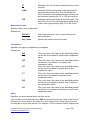
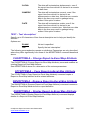
Size units
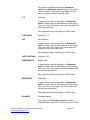
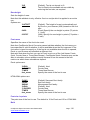
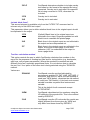
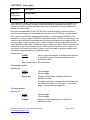
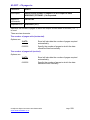
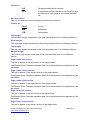
Options are:
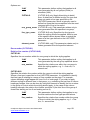
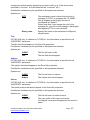
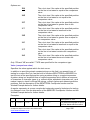
*POINTS
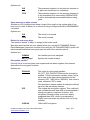
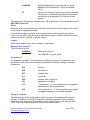
The font size denotes the height of characters in
points.
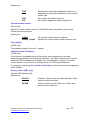
*CPI
The font size denotes the pitch (width) of
characters in characters per inch.
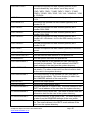
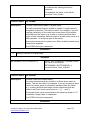
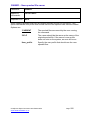
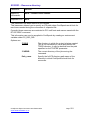
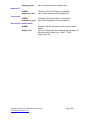
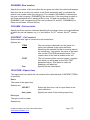
To Font
Face
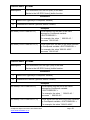
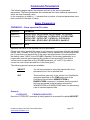
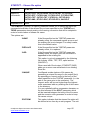
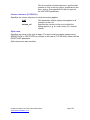
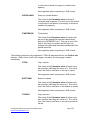
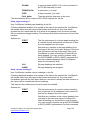
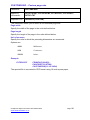
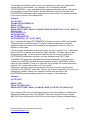
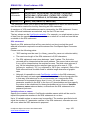
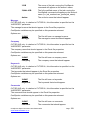
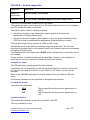
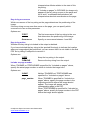
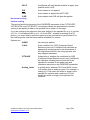
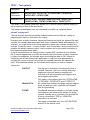
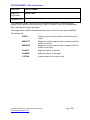
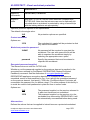
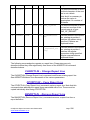
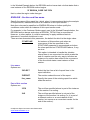
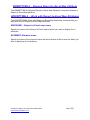
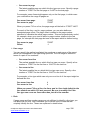
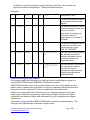
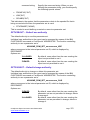
This specifies how the font will be implemented inside the PDF and can be any of:
o
o
o
a built-in PDF font
a system i font resource object
a TrueType of PostScript Type 1 font file located in the IFS
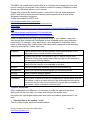
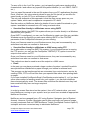
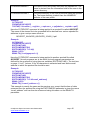
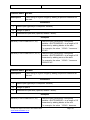
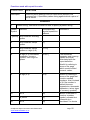
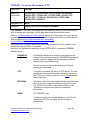
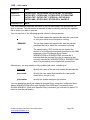
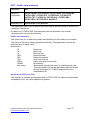
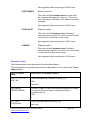
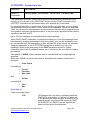
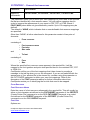
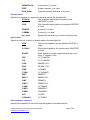
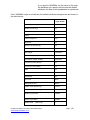
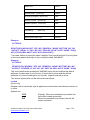
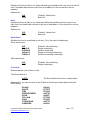
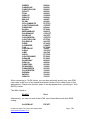
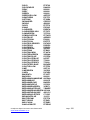
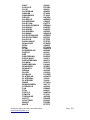
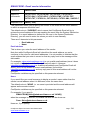
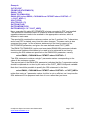
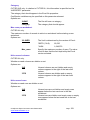
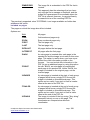
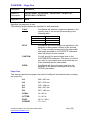
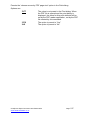
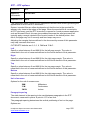
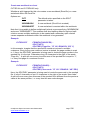
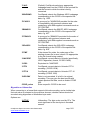
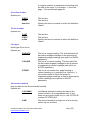
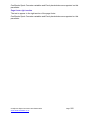
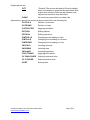
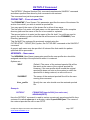
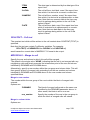
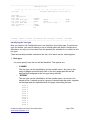
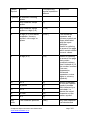
The following built-in typefaces are available for selection:
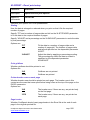
*COURIER
*COURIERB
*COURIERO
*COURIERBO
*HELVETICA
*HELVB
*HELVO
*HELVB
*HELVBO
*TIMES
*TIMESB
*TIMESI
*TIMESBI
*SYMBOL
*DINGBATS
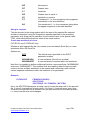
Courier
Courier Bold
Courier Oblique
Courier Bold Oblique
Helvetica
Helvetica Bold
Helvetica Oblique
Helvetica Bold
Helvetica Bold Oblique
Times Roman
Times Roman Bold
Times Roman Italic
Times Roman Bold Italic
Symbol
Zapf Dingbats
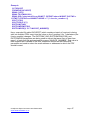
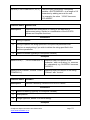
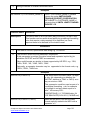
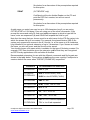
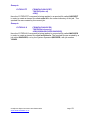
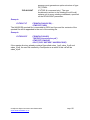
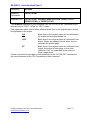
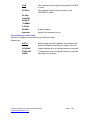
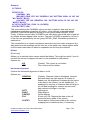
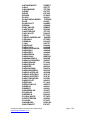
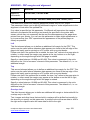
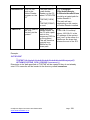
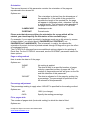
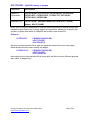
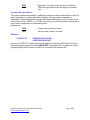
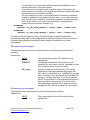
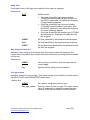
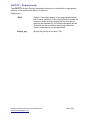
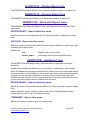
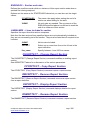
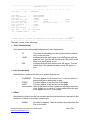
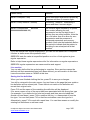
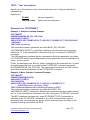
Example:
CVTSPLPDF
FROMFILE(SALES)…
FONT(*MAP)
CVTFNTRSC(C0S0CR10 *COURIER 12)
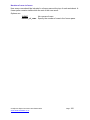
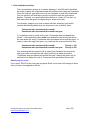
Here, the sales report is converted to PDF format. CoolSpools will attempt to map
fonts, but the font named C0S0CR10 is explicitly mapped to Courier 12-point.
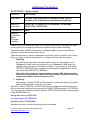
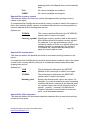
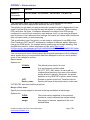
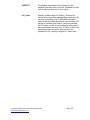
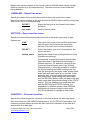
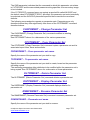
Alternatively, you can specify either a font resource object or a PostScript Type 1
font file.
CoolSpools Spool Converter User Guide V6R1
www.ariadnesoftware.co.uk
Page: 104