1
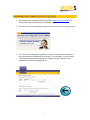
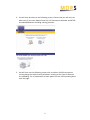
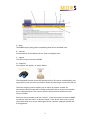
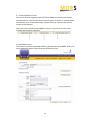
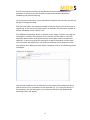
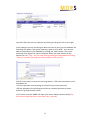
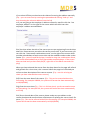
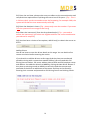
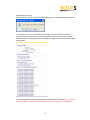
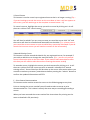
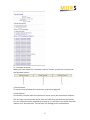
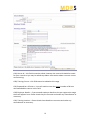
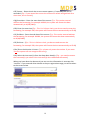
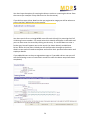
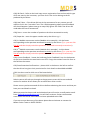
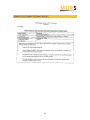
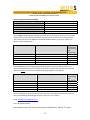
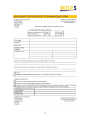
You then have the option of entering the drivers results or removing the driver from the course (for example if they did not arrive for the course). If you did not enter driver details at the pre‐registration stage you will be taken to a screen entitled “Add a driver to the course” You then search for an existing MDRS record for each driver(s) by entering their full UK driving licence number. If a record exists their details will appear in the table and you can then enter the record by clicking on the entry. If a record does not exist a further grey box will appear next to the search (as shown above) entitled New Driver. When this has been clicked you will then be taken through to the driver details screen and will need to complete and confirm their personal information and employer details. If you added drivers at the pre‐registration stage or if you add a driver now you will see the following screen to record their results on when the above steps have been completed; 20