1
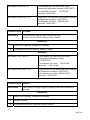
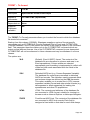
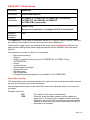
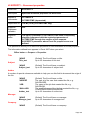
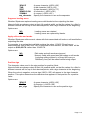
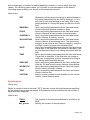
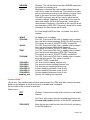
*CURLIB
Slipstream will look for an existing file in the current
library, or create a new file in the current library.
library_name
Specify the library in which an existing fie is located or in
which to create a new file.
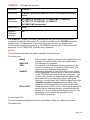
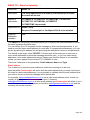
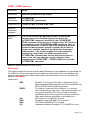
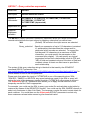
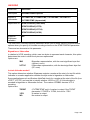
TOMBR – Member to receive output
Name
The name of the member in the database file which will receive the output.
If the member does not exist, it will be added to the file.
If the file does exist, data in that member will be replaced or the new data will be appended
to that member depending on the setting of the “Replace or add records” option below..
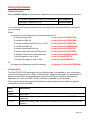
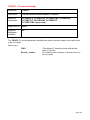
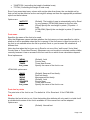
Options are:
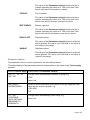
*FROMSTMF
The name of the member will be derived from the name
of the spreadsheet specified on the FROMSTMF
parameter by removing any extension from the file name
part of the path name and remainder of the file name up
to a maximum of 10 characters.
*FIRST
The data will be written to the first member in the file.
If there are members in the file, a new member with the
same name the file will be added and used.
member_name
Specify the name of the member to receive the data.
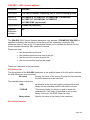
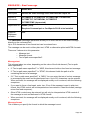
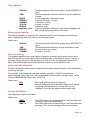
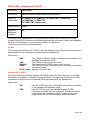
Replace or add records
Determines whether any existing data in the file is replaced or whether the new data is
appended to any existing data.
Options are:
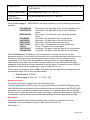
*REPLACE
Any existing data in the file is replaced.
*ADD
The new data is appended to any existing data.
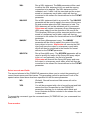
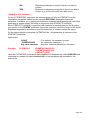
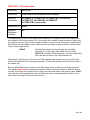
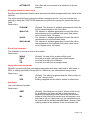
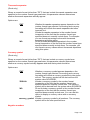
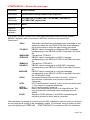
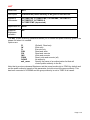
TOCCSID – CCSID to convert to
Specifies the CCSID (character encoding) to which the cell contents will be converted. Data
in Excel files is typically stored in ASCII or unicode and you will normally wish to convert
that data to an appropriate EBCDIC CCSID for processing on the system i.
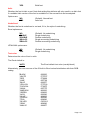
Options are:
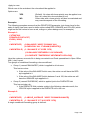
*JOB
The CCSID of the current job.
*SYSVAL
The CCSID indicated by the QCCSID system value.
*USER
The CCSID associated with the current user’s user
profile.
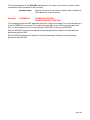
CCSID
Specify a CCSID to use.
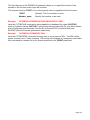
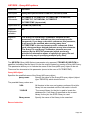
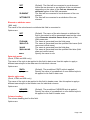
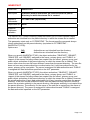
BLANKS – Output blank cells
Determines whether anything is written to the output for cells that contain blanks (Excel
BLANK and/or MULBLANK records). These records typically denote empty cells that
Page: 175