1
Network Configuration Examples
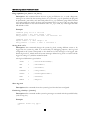
A group of wireless stations communicating with each other is called a Basic Service Set (BSS)
and is identified by a unique SSID.
When a 802.11G ACCESS POINT is used, it can be configured to operate in the following
three network configurations
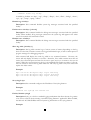
AS AN ACCESS POINT
When configured in the Access Point mode, the 802.11G ACCESS POINT allows a group of
wireless stations to communicate with each other through it. Such a network is called an
Infrastructure BSS.
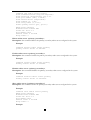
The 802.11G ACCESS POINT further provides bridging functions between the wireless
network and the wired LAN network.
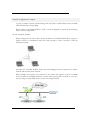
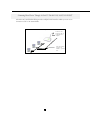
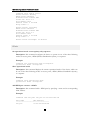
When multiple access points are connected to the same LAN segment, stations can roam
from one 802.11G ACCESS POINT to another without losing their connections, as long as
they are using the same SSID. This is shown in the diagram below.
7