1
OfficeServ DM User Guide
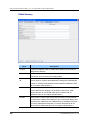
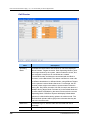
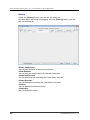
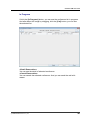
Call Director
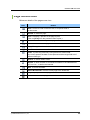
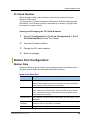
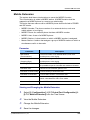
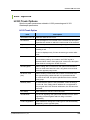
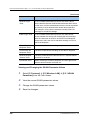
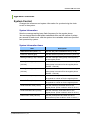
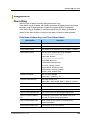
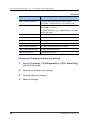
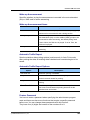
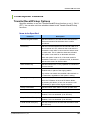
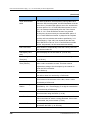
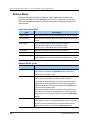
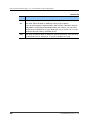
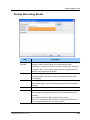
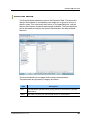
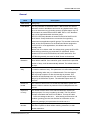
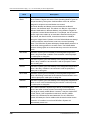
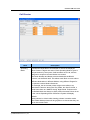
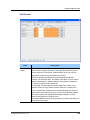
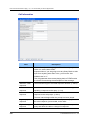
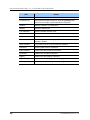
Item
Description
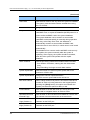
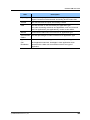
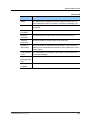
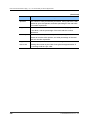
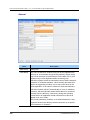
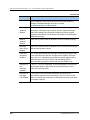
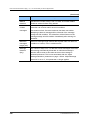
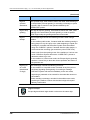
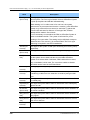
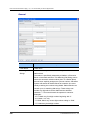
Operating
Mode
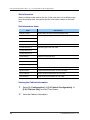
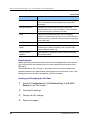
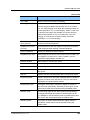
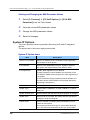
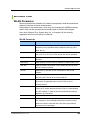
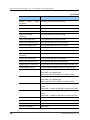
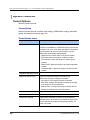
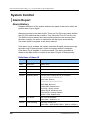
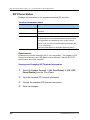
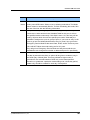
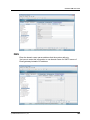
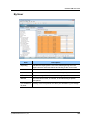
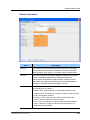
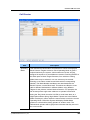
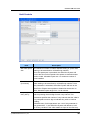
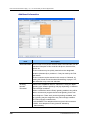
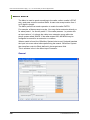
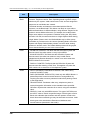
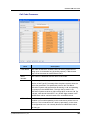
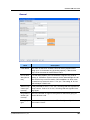
This indicates the Mode Name and Number for which the displayed
Block Pointers’ Targets are active. Each Operating Mode is given a
unique Number by the system. Valid numbers are 01 99, and are
assigned in sequence as new Modes are created. Pressing ENTER at
this field opens a Mode Target Generator, from which an existing
Mode Name may be selected, or a new name may be entered.
Entering a new name creates a new Mode with its corresponding
Number. The Mode Number and Name are associated with the
Block’s Pointers, not the Block itself. This allows one Block to route
calls to different destinations in different Modes, using different
Targets for the pointers’ various Mode references. For example, the
No-Answer pointer might route callers to an operator’s Extension
during the ‘Day’ Mode, but after 5:00 PM, it would route them to a
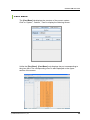
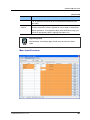
Night Options Menu during ‘Night’ Mode. Pointers set in the Default
Mode are always in effect unless the same Pointer is set in the current
Operating Mode. OfficeServ System will display Default Mode
pointers in a block while viewing pointers in another mode. The
Default Mode pointers will be grayed out to denote that they are not in
the current mode.
© SAMSUNG Electronics Co., Ltd.
329