1
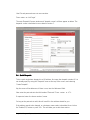
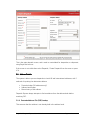
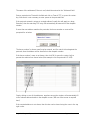
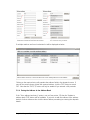
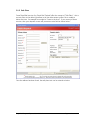
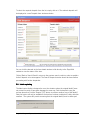
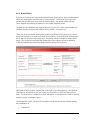
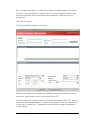
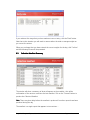
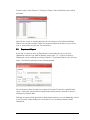
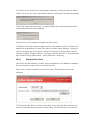
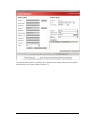
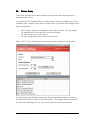
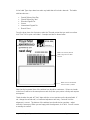
Having selected the ‘Weight/Size’ and entered ‘Senders Reference’ information for the first
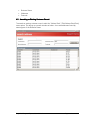
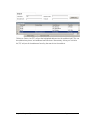
item, click the ‘Add Item (F7)’ button. This fills in the ‘Item Details’ box for that item (see
below). Now enter the details for the second item and press ‘Add Item’ again. Repeat for
each item required. Errors may be corrected by selecting the item in the ‘Item Details’ table
and then either re-entering the required details, or by clicking ‘Cancel Despatch Item (F8)’
to start again.
3.2.2 Multiple Senders References for the Same Item
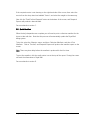
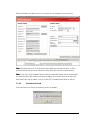
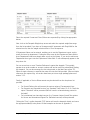
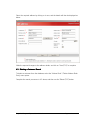
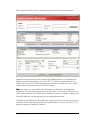
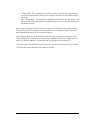
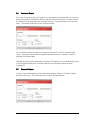
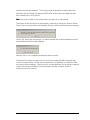
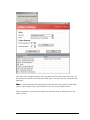
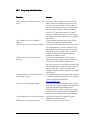
If you would like to record multiple sender’s references against a single item (for example
multiple orders being packed into the same box) then enter the first ‘senders reference’ in
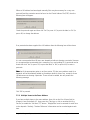
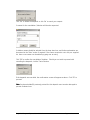
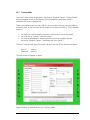
the field provided and click the ‘More (F9)’ button. This will present
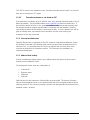
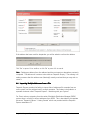
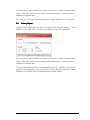
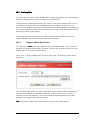
To add a senders reference, please enter the required details and click ‘Add (F7)’. To
remove a senders reference that has already been added, select the entry to be removed
and click ‘Delete (F11)’. To return to the main despatch screen click ‘Back (F2)’.
Royal Mail Despatch Express User Guide V1.2
Page 21 of 69