1
User Accounts and Security
People Inc – Technical Guide
6. User Accounts and Security
User profiles
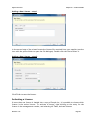
Users access People Inc using a user account defined for them within the software. Each
user account has a unique username and password. When the system is first installed, only
the default user account is defined. This default account has the username: username, and
the password: password. Any number of additional user accounts can be configured within
the People Inc system. Note that the active system licence controls the number of users
who can access the system concurrently.
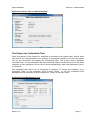
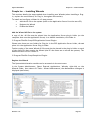
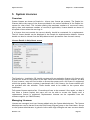
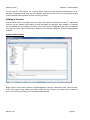
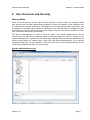
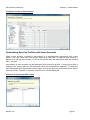
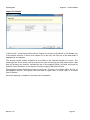
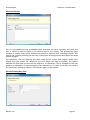
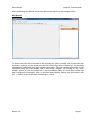
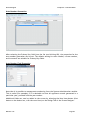
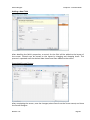
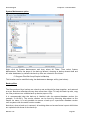
The System Administrator is used to add new users. The System Administrator can be
started from the P&A Group program group on the Start Menu on your PC. Access to the
System Administrator is gained via the same login dialogue and user account details as are
used for the People Inc. system itself. Note that the system Administrator is an optional
component that may not be installed, and that not all users will be granted access to this
module (this depends on their security profile).
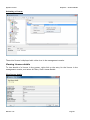
System Administrator screen
Revision 1.10
Page 31