1
Setting Text Alignment
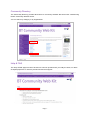
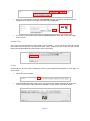
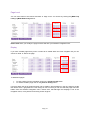
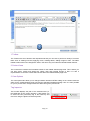
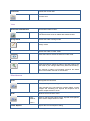
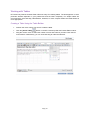
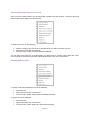
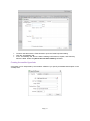
You can set the paragraph alignment to left, right, centre or justify. Select the text and from the
toolbar, click the button for the alignment to be set.
Indentation
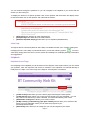
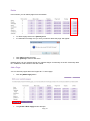
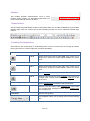
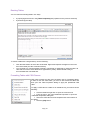
Indentation allows you to move the selected paragraph to the left [Indent] or to the right [Outdent]. The
Outdent works only if Indent has been applied.
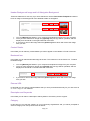
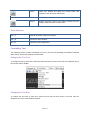
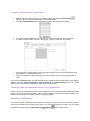
To apply indentation to the selected text, place the cursor inside a paragraph and click the indentation
button:
Applying Paragraph Styles
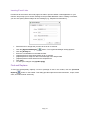
Predefined paragraph styles are used to ease the process of formatting paragraphs. You can apply
consistent paragraph styles to a document. The predefined styles include different heading styles,
and other styles defined by the developer.
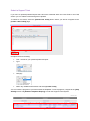
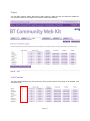
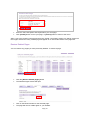
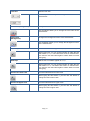
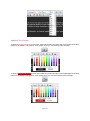
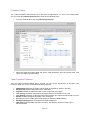
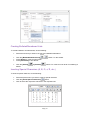
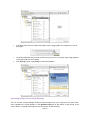
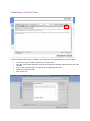
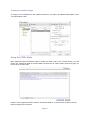
To apply a paragraph style to some text, first place the cursor within the text, then from the paragraph
styles dropdown list, select the style you want to apply.
Copying Formatted Text
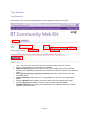
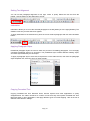
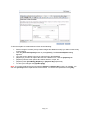
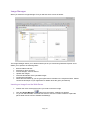
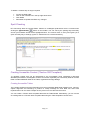
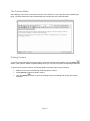
Copying formatted text from Microsoft Word, Internet explorer and other applications is pretty
straightforward. The editor introduces a number of tools that help users paste formatted text from
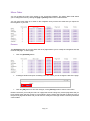
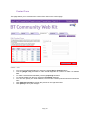
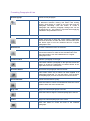
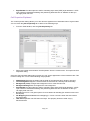
Microsoft Word or other applications, and apply different types of format stripping. Here is the list of
different Paste buttons / dialogs:
Page | 46