1
Address Searching
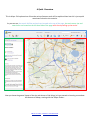
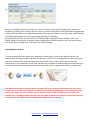
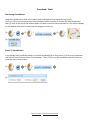
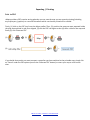
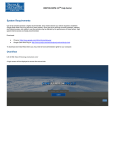
To find a property in the Borough, start typing in any part of the address you wish to search for in the address
search box. Results will then automatically appear in the drop down menu after entering at least 5 characters;
you can then click on the correct result to zoom to that property.
Our Advice: Less is best. We recommend entering either the number / name of the property and /
or the street or just the postcode to return address matches, for example:‘13 high street’
‘garfield road’
‘KT15 1TL’
‘the cottage’
You do not need to enter a full address consisting of number / name, street, town and postcode (if
the address is complex it may not even be returned), results appear pretty quickly and it just saves
time typing a complete address out…
…and there is no need to include any capital letters or commas!
Back To Start / Back to Tool Selection