1
Making Measurements
Measurement Properties
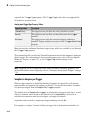
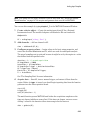
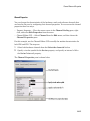
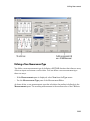
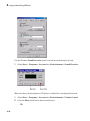
You can configure measurement properties with the Measurement Properties editor. You
can open this editor two ways:
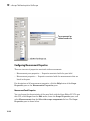
• Right-click menu — Place the mouse cursor in the Measurements pane of interest,
right-click, and select Edit Properties from the menu.
• Measurement Editor GUI — Select Measurement from the Edit menu, and then
choose the Measurement Properties pane.
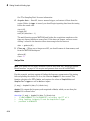
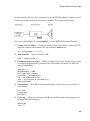
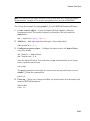
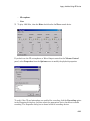
For this example, use the Measurement Editor GUI to change the number of
measurements stored for CH1 to be identical to the number of samples acquired for each
trigger. The steps are
1
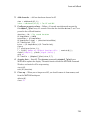
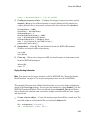
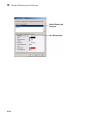
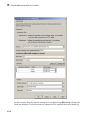
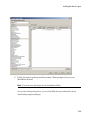
Select CH0 - Pk2Pk in the Select the measurements list box.
2
Edit the BufferSize property to be 1000.
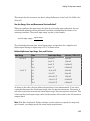
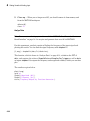
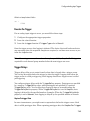
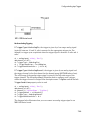
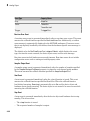
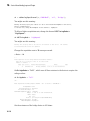
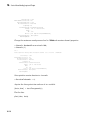
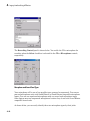
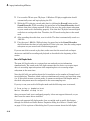
The Measurement Properties pane is shown below.
12-23