1
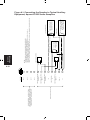
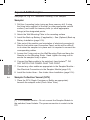
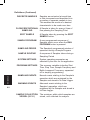
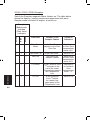
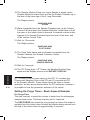
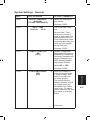
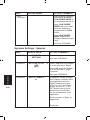
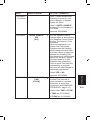
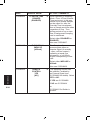
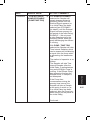
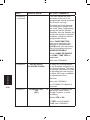
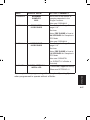
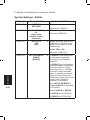
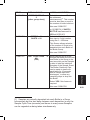
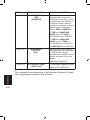
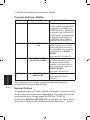
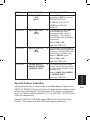
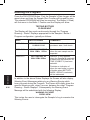
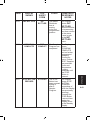
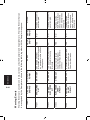
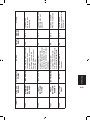
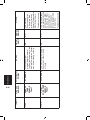
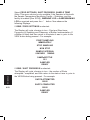
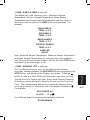
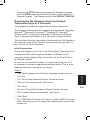
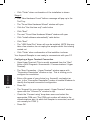
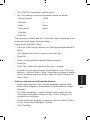
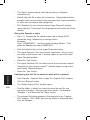
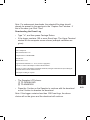
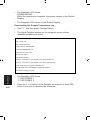
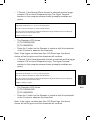
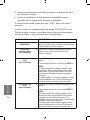
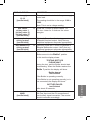
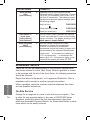
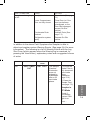
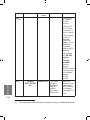
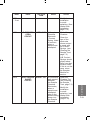
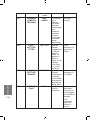
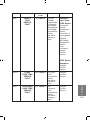
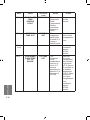
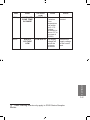
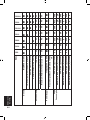
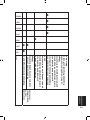
IDENT SYSBOT08 DISPLAY SHOWS INCREMENT BY TIME [SAMPLES] ACTION / COMMENTS The Bottler can be programmed to move from one Bottle to the next (or one Group to the next if Bottler is in GROUP mode) either at regular time intervals or after a fixed number of Samples. Select TIME or SAMPLES. If TIME and SAMPLING MODE is set to FLOW,at SYSSAM05 see SYSBOT09. If TIME and SAMPLING MODE is set to TIME,at SYSSAM05 see SYSINST01. If SAMPLES see SYSINST01. SYSBOT09 MAX SAMPS / BOTTLE 0007 Set the limit to the number of Samples able to be deposited in each Bottle. Further Samples are inhibited until the Bottler advances to the next Bottle. Now see SYSINST01. SYSINST01 SYSTEM SETTINGS INSTALLED This screen appears briefly. Now see SETPROG01 This completes the programming of the Samplers Operating System when programmed to operate with a Bottler. OPERATION 6.30