1
TR313 - FLAIR User Guide
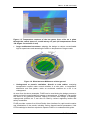
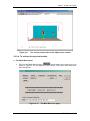
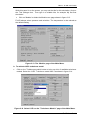
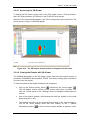
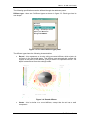
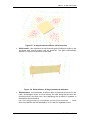
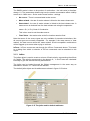
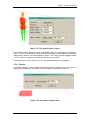
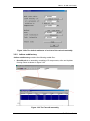
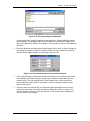
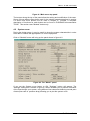
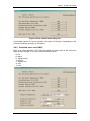
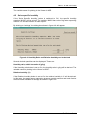
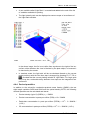
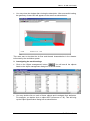
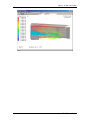
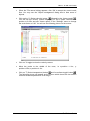
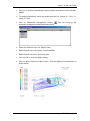
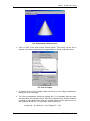
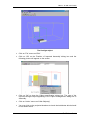
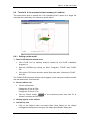
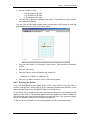
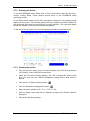
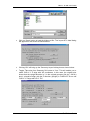
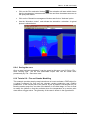
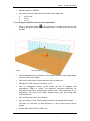
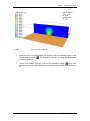
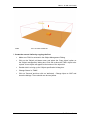
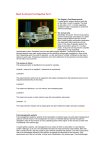
Figure 3.16 The default spray-head object
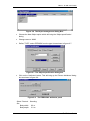
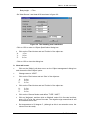
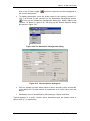
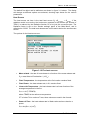
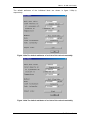
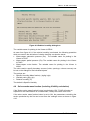
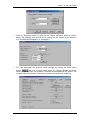
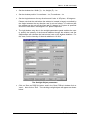
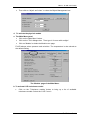
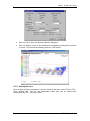
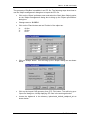
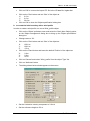
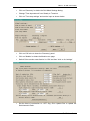
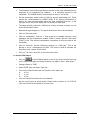
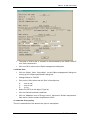
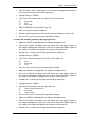
The following specifications can be defined in the attributes dialog box:
Spray axis direction - This sets the axis of the spray to be along the positive X, Y or
Z axis. The spray-head disk is normal to the selected axis.
Spray position - This sets the location of the centre of the spray-head disk. The disk
is always normal to the spray axis.
Spray radius - This sets the radius of the spray-head disk. The droplet injection
ports are uniformly distributed along the circumference of the disk.
Number of ports - This sets the number of the injection ports around the
circumference of the spray disk.
Total volume flow rate - This sets the total volumetric flow rate of the water to be
injected from the spray. The total amount is divided equally among the injection
ports. The units are always litres/second.
Total injection velocity - This sets the velocity with which the droplets are deemed
to be injected.
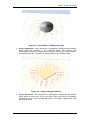
Spray angle (from spray axis) - This sets the angle between the spray and the
spray axis. When set to 0.0, the droplets will be injected in the direction of the
positive spray axis. Usually this will mean vertically upwards. When set to 90, the
droplets will be injected normal to the axis. Usually this will mean horizontally. When
sets to 180, the droplets will be injected in the direction of the negative spray axis.
Usually this will mean vertically downwards.
Injection temperature - This sets the temperature of the injected droplets. The units
are always degree C.
Volume median diameter - 50% of the water, by volume, is contained in droplets of
this or greater diameter. Other 50% is contained in smaller droplets.
38
FLAIR User Guide