1
Loading Paper
■
■
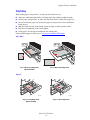
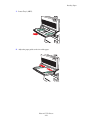
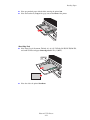
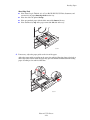
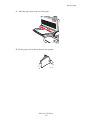
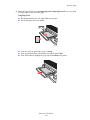
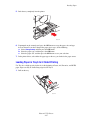
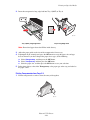
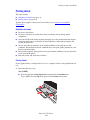
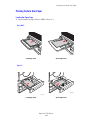
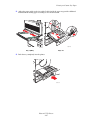
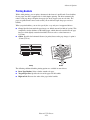
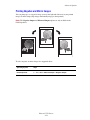
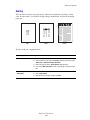
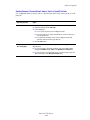
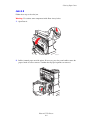
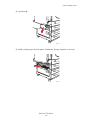
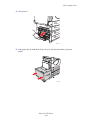
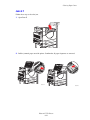
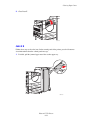
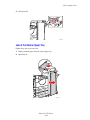
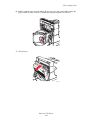
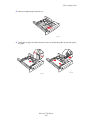
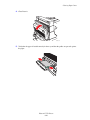
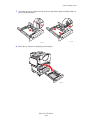
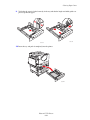
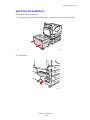
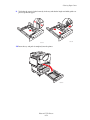
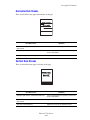
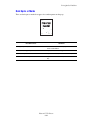
Place pre-punched paper with the holes toward the back of the printer.
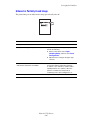
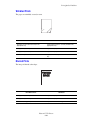
Place letterhead (or the top of the page) to enter the printer last.
5550-138
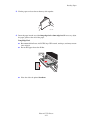
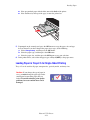
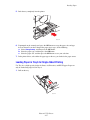
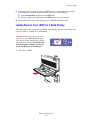
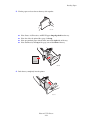
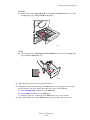
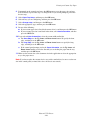
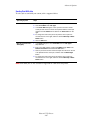
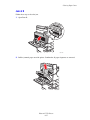
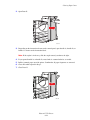
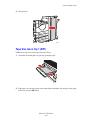
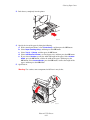
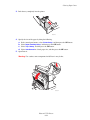
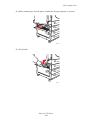
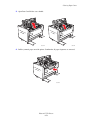
5. If prompted on the control panel, press the OK button to accept the paper size and type
that are shown. If you have changed the paper size or type, do the following:
a. Select Change setup, and then press the OK button.
b. Select the paper type, and then press the OK button.
c. Select the paper size, and then press the OK button to save your selection.
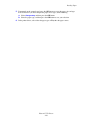
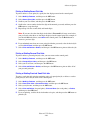
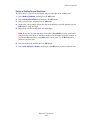
6. In the printer driver, select either the paper type or Tray 1 (MPT) as the paper source.
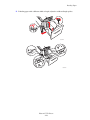
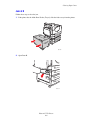
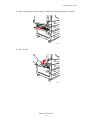
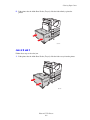
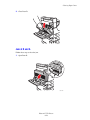
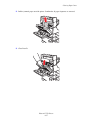
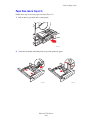
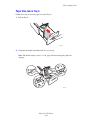
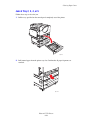
Loading Paper in Trays 2-5 for Single-Sided Printing
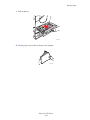
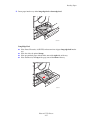
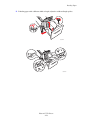
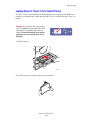
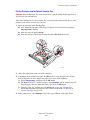
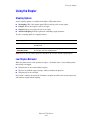
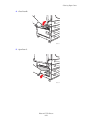
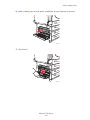
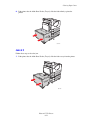
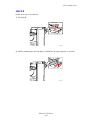
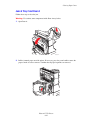
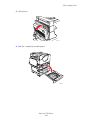
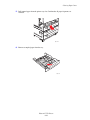
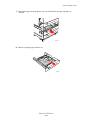
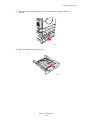
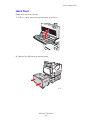
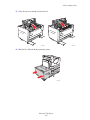
Trays 2-5 can be used for all paper, transparencies, specialty media, and many sizes.
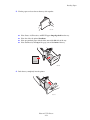
Caution: If you change the type of paper in
a tray, you must change the paper type on the
control panel to match the paper that you
loaded. If you fail to do this, print-quality
problems can occur and the fuser can be
damaged.
Phaser® 5550 Printer
4-13
5550-123