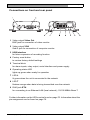
1
EN | 25
VIP XD | Installation and User Guide
Note
A VIP XD offers you the option of limiting access across various
authorization levels (see pages 35 and 44).
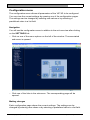
– Enter the user name and associated password in the corresponding text
fields.
– Click OK. If the password is correct, the desired page is displayed.
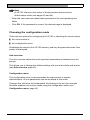
Choosing the configuration mode
There are two options for configuring the VIP XD or checking the current setup:
] the unit overview or
] the configuration menu.
All settings are stored in the VIP XD memory, and they are preserved even if the
power is interrupted.
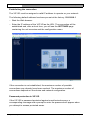
Unit overview
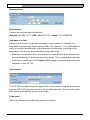
The unit overview shows the most important parameters summarized into six
groups.
This allows you to change the default settings with just a few clicks and entries
(see Unit overview, page 26).
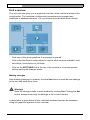
Configuration menu
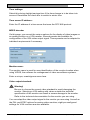
The configuration menu is recommended for expert users or system
administrators. All unit parameters can be accessed in this mode.
Changes that influence the fundamental functioning of the unit (for example
firmware updates) can only be made using the configuration menu (see
Configuration menu, page 43).
Bosch Security Systems | 2005-05 | V1.0
Configuration using a Web Browser