1
EN | 42
Installation and User Guide | VIP X1/VIP X2
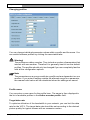
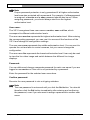
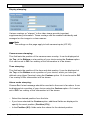
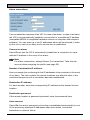
Gateway address:
If you want the unit to establish a connection to a remote location in a different
subnet, enter the IP address of the gateway here. Otherwise, this field can
remain empty (0.0.0.0).
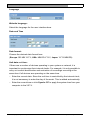
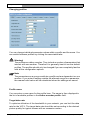
Video/audio transmission:
If the unit is used behind a firewall, TCP (Port 80) should be selected as the
transmission protocol. For use in a local network, choose UDP.
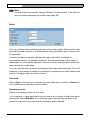
Warning!
Multicast operation is only possible with the UDP protocol. The TCP
protocol does not support multicast connections.
Note
The MTU value in UDP mode is 1514 bytes.
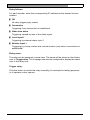
Ethernet link type:
If the VIP X is connected to the network via a switch, both devices must have the
same preset network connection type. If necessary, ask your network
administrator what value the associated switch is set to.
Choose Auto for an autosensing network connection. If necessary you can set
the value to 10 or 100 MBit/s for either full or half-duplex mode (FD or HD).
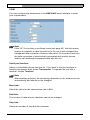
Warning!
Malfunctions can occur (for example image faults) if the network capacity
is not sufficient for transmission of the maximum data rate generated by
the VIP X.
Configuration using a Web Browser
Bosch Security Systems | 2005-05 | V1.0