1
mFi™ User Guide
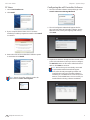
Settings
Chapter 2: Using the mFi Software
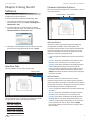
Admin
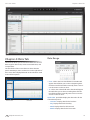
System
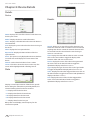
Server Information
Version The software version is displayed here. If there is
an update, mFi will automatically download it and display
it here.
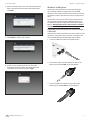
Backup
System Configuration
System Name mFi System name.
Download Click Backup Database to download a
backup of the data. You will have the option to select the
time period of the data that you backup. Click Download
to backup the mFi database for the selected time period.
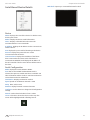
Country Select the country the product is being used in
from the drop-down list.
Time Zone Select the appropriate time zone from the
drop-down list.
Temperature Unit Select Celsius or Fahrenheit for
temperature data.
Energy Price Enter a flat price per kWh to be used with
mPower devices to calculate a rough estimate of power
costs.
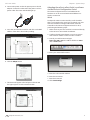
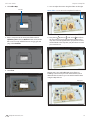
Services
Automatic Upgrade Option to enable automatic
firmware upgrades.
Network Discovery Allows you to Make mFi discoverable
via UPnP (Universal Plug and Play) over the network.
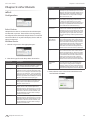
Restore
Browse Click Choose File to locate a previously saved
backup configuration file to restore.
Support Info
Download Click Download Support Info to download
a file to your computer with information about your
configuration that can be emailed to our support team.
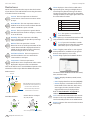
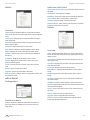
Remote Logging Option to Enable Remote Syslog. When
enabled, you need to enter the server address and port
number.
• Server The address of the Remote Syslog Server.
• Port The port used for the Remote Syslog Server. The
default port is 514.
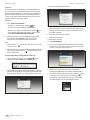
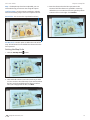
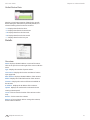
Mail/SMTP Server The Mail/SMTP Server settings are
necessary to allow mFI to send out email notifications.
• Server Enter the SMTP (outgoing) mail server address.
• Port Enter the port used for communication with the
SMTP server.
• Username Enter the email username of the account
that will be used to send email notifications.
• Password Enter the password associated with the
username that will be used to send email notifications.
Ubiquiti Networks, Inc.
10