1
Installing and Configuring SharePoint 2010
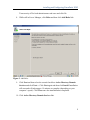
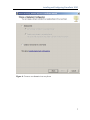
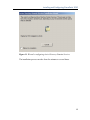
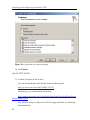
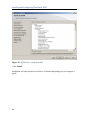
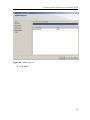
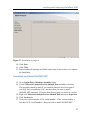
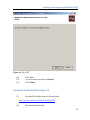
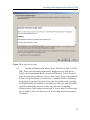
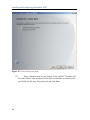
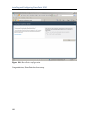
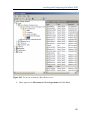
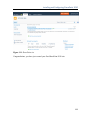
Figure 38: Data directories for SQL Server Analysis Services
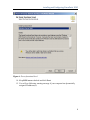
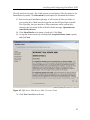
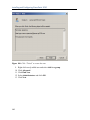
60. Click Next.
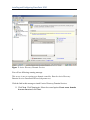
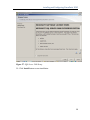
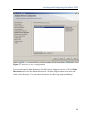
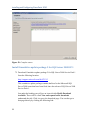
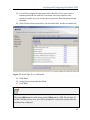
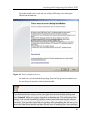
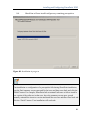
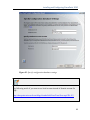
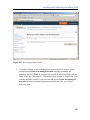
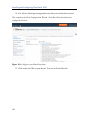
61. You can configure Reporting Services on this screen. The default option is to
install the native mode default configuration. This will install and configure
reporting services for instant use. Even if SharePoint is not installed, you will
be able to use reporting services for your applications. The second option is to
install the SharePoint integrated mode default configuration. This will create
report server database in SharePoint integrated mode and configure the report
server to use the default values. Once you install SharePoint and reporting
services Add-In for SharePoint, you will be able to use integrated operations.
40