1
Using the CD
07
2
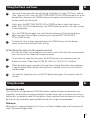
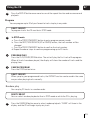
During Random playback, press the SKIP/TUNE (UP/DOWN) buttons to skip to another
random track.
3
To resume normal playback, press the RANDOM button again.
1
Intro play
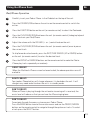
Press the INTRO button once, "INTRO" will show in the display. The Micro System will
play the first 10 seconds of each track on the CD in sequence.
2
Press the INTRO button again to resume normal playback.
Compact disc
1
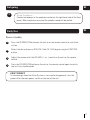
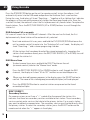
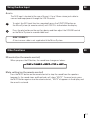
Always use a compact discs bearing the mark as
shown.
2
Notes on handling discs
Removing the disc from its storage case and loading it.
* Do not touch the reflective recorded surface.
* Do not stick paper or write anything on the surface.
* Do not bend the disc.
3
Storage
* Store the disc in its case.
* Do not expose discs to direct sunlight or
high temperatures, high humidity or dusty
places.
4
16
FROM THE CENTRE
TO THE EDGE
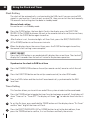
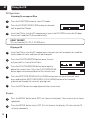
Cleaning a disc
* Should the disc become soiled, wipe off
CORRECT
INCORRECT
dust, dirt and fingerprints with a soft cloth.
* The disc should be cleaned from the centre to the edge.
* Never use benzene, thinners, record cleaner fluid or anti static spray.
* Be sure to close the CD door so the lens is not contaminated by dust.
* Do not touch the lens.