1
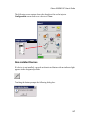
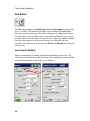
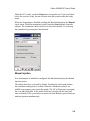
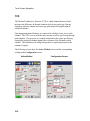
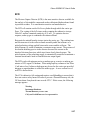
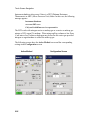
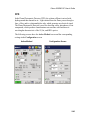
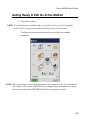
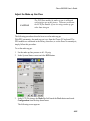
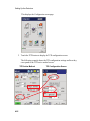
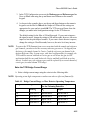
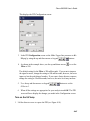
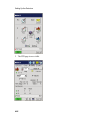
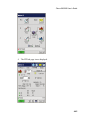
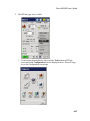
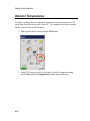
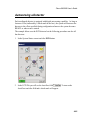
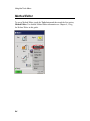
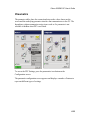
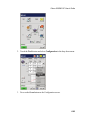
Clarus 600/680 User’s Guide Getting Ready to Edit the Active Method Close the oven door. NOTE: If a column has been installed, make sure you have carrier gas flow through the column before closing the oven door and elevating the oven temperature. The Status screen icon buttons provide access to the active method parameters. NOTE: When you change an Active Method parameter, the change goes into effect immediately. For example, if the system is READY and you change an injector temperature setpoint, the status screen displays NOT READY until the new setpoint is reached. 3-5