1
Operating Instructions
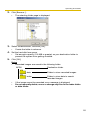
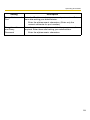
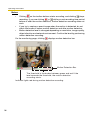
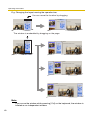
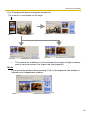
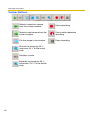
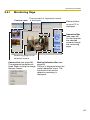
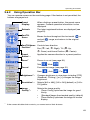
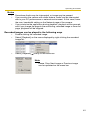
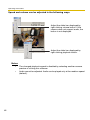
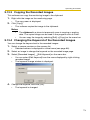
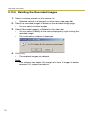
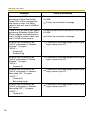
Speed and volume can be adjusted in the following ways.
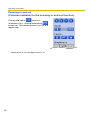
Adjust the slider bar displayed by
right-clicking volume button. If the
camera does not support audio, the
button is not displayed.
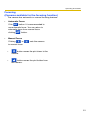
Adjust the slider bar displayed by
right-clicking playback button.
Notes
•
•
62
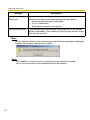
The changed playback speed is disabled by selecting another camera
preview or closing this software.
Audio cannot be adjusted. Audio can be played only at the medium speed
(default).