1
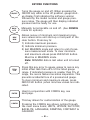
KEYPAD FUNCTIONS
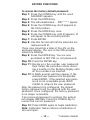
ON/OFF
BACK
LITE
MAX
MIN
ZERO
CLR
ENTER
CONFIG
Turns the gauge on and off. When pressing the
ON/OFF key while in the off position, gauge startup display first indicates the software version
followed by the model number and gauge pressure range. The gauge will then display indicated
pressure and be ready for use.
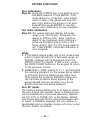
Manually turns backlite on and off. (See CONFIG
mode for options).
Allows review of minimum and maximum pressure values since unit start-up or last push of the
clear button. Press key to:
1) Indicate maximum pressure.
2) Indicate minimum pressure.
3) Exit MAX/MIN mode and return to unit of pressure measurement mode. To clear minimum
and maximum values press ZERO/CLR button.
Must be in MAX/MIN mode.
Note: MIN/MAX data is lost when unit is turned
off.
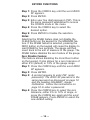
Press this key prior to gauge usage to rezero any
initial offset less than ±5% of the rated gauge
range. If indicated pressure is greater than 5% of
range, the rezero feature becomes inoperable. This
prevents accidental tare of a pressurized gauge.
To clear minimum and maximum values, press
ZERO/CLR button (when min/max values are indicated.
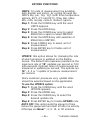
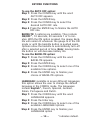
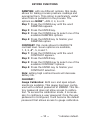
Used in conjunction with CONFIG key, see
next page.
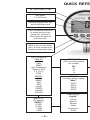
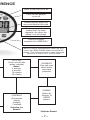
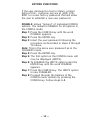
This key allows for customization of the gauge.
Pressing the CONFIG key allows cycling through
the main menu items; UNITS, UPDATE, AUTO OFF,
BACKLITE, LANGUAGE, DAMPING, CONTRAST &
CALIBRAT.
–8–