1
3.4 Programming—SIP Settings
3.4.4
Options
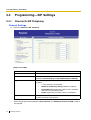
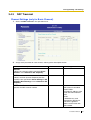
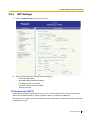
Local Port Settings
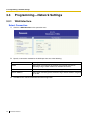
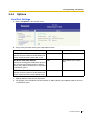
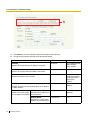
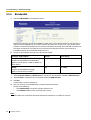
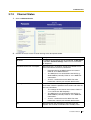
1. Click 1.2.4 Options in the operation menu.
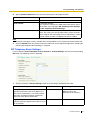
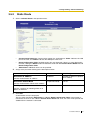
2. Assign each parameter referring to the descriptions below.
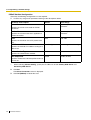
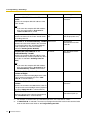
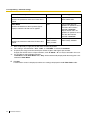
Parameter & Description
Default
Value Range
SIP Client Port Number*1
5060
1024–65535
5004
1024–65434 (even number
only)
3478
1024–65535
Specifies the port number of the SIP-GW4 card
used for communications with the SIP server.
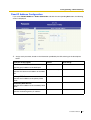
RTP/RTCP Port Start Number
Specifies the starting port number of the dynamic
ports used for voice communications. Starting
with this port, 100 consecutive ports can be used
as RTP/RTCP ports.*2
STUN Client Port Number*1
Specifies the port number of the SIP-GW4 card
used for communications with the STUN server.
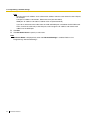
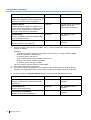
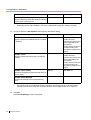
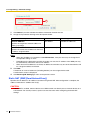
*1:
*2:
Specify different values for each parameter.
For example, if the RTP/RTCP Port Start Number is "5004" (default), ports 5004 to 5103 can be used
as RTP/RTCP ports.
Installation Manual
45