1
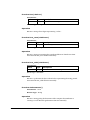
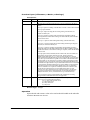
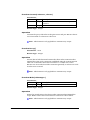
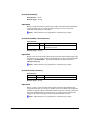
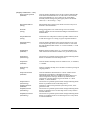
Function Getnumaddrs()
Par am eter s - None
Retur n Type - Integer
Operation
Returns an integer value giving the number of addresses available in the
internal buffer filled by the last call to gethostbyname or gethostbyaddr.
Returns zero if no information is available because gethostbyname or
gethostbyaddr has not been called yet or the last call returned an error.
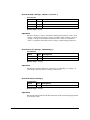
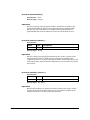
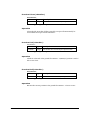
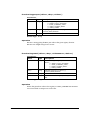
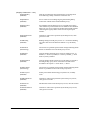
Function Gethost(<I ndex>)
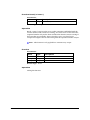
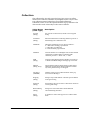
Par am eter s Value
<Index>
Type
Description
integer
Index position to read hostname from internal structure
Retur n Type - String
Operation
Returns a string value giving the hostname at the <index> position in the
internal buffer. Returns a blank string if no hostname available at the
requested position or no data in the internal buffer. Note that gethost(1) will
return the primary name of the host and gethost(2..n) will return any aliases
the host has.
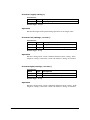
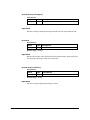
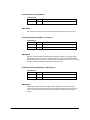
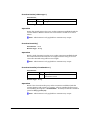
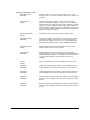
Function Getaddr( <I ndex>)
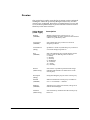
Par am eter s Value
<Index>
Type
integer
Description
Index position to read address from internal structure
Retur n Type - See Below
Operation
Returns the IP address as 32bit network byte ordered value at the <index>
position in the internal buffer. Returns zero if no address available at the
requested position or no data in the internal buffer.
M AI LGATE M AN UAL
Technical Reference
9-16