1
TheBetEngine
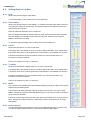
1.6.6 View Betting Log
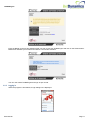
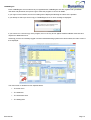
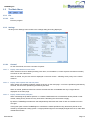
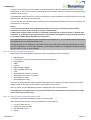
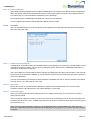
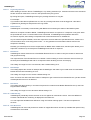
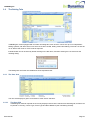
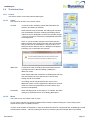
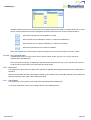
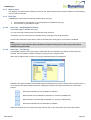
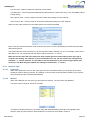
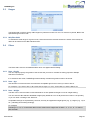
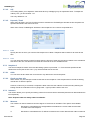
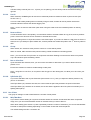
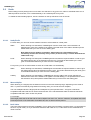
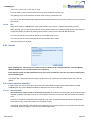
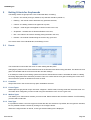
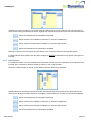
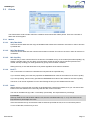
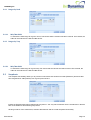
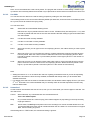
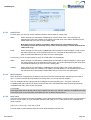
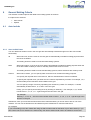
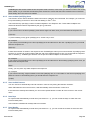
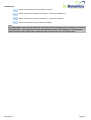
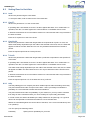
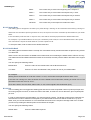
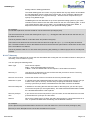
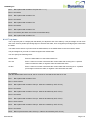
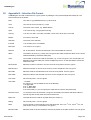
Click on this button to display a list of bets placed from this particular betting tab:
1.6.6.1
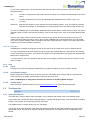
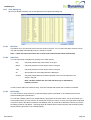
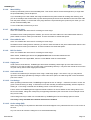
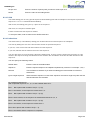
Bet Filter
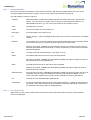
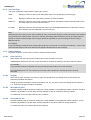
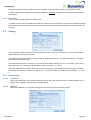
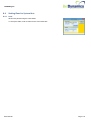
This allows you to choose what sort of bets are shown in the grid. You can select test bets, live bets or both.
The grid will update automatically when the selection is made.
Note – if both test bets and live bets are un-ticked, then both become ticked automatically.
1.6.6.2
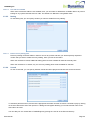
Date Filter
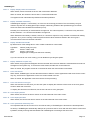
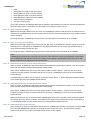
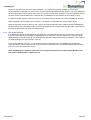
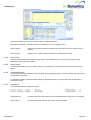
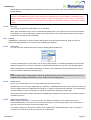
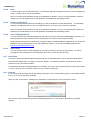
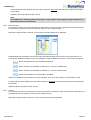
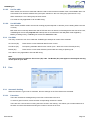
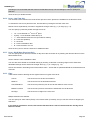
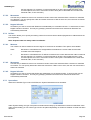
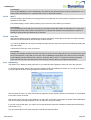
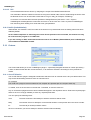
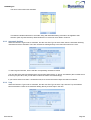
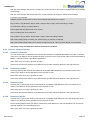
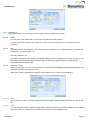
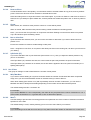
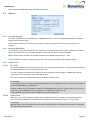
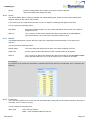
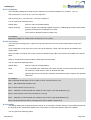
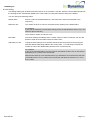
You can adjust what is displayed by clicking on the Filter options:
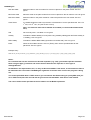
Day
Only bets placed today will be shown in the grid.
Month
Only bets placed this month will be shown in the grid.
Year
Only bets placed this month will be shown in the grid.
All
All bets placed on this betting tab will be displayed.
Custom
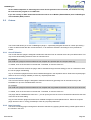
Only bets placed between the dates specified in the From/To date boxes are
shown in the grid.
Note: The date entered into the From date box only is remembered
between sessions.
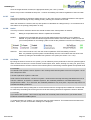
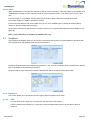
If a bet is shown without a Profit/Loss entry, then this indicates that the bet was unmatched on Betfair.
1.6.6.3
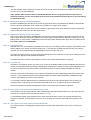
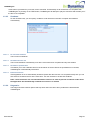
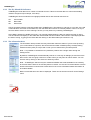
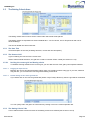
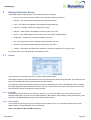
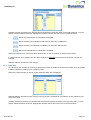
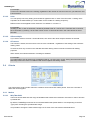
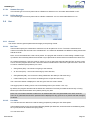
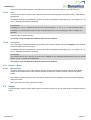
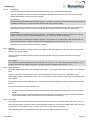
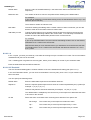
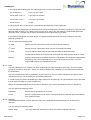
Retrieve By
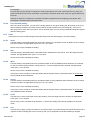
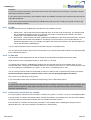
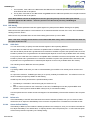
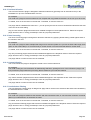
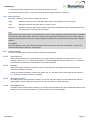
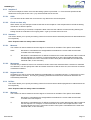
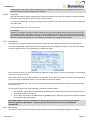
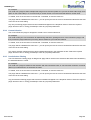
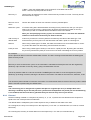
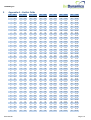
You can choose to show results for a particular betting system (Tab Name) or for all bets placed on that
particular betting tab (Tab Number).
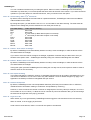
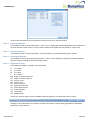
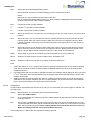
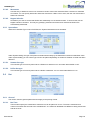
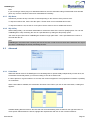
You can split a betting system over multiple tabs by giving them all the same name. This is useful when you
have systems where you may need to run sequences of bets per course, or where you might want to separate
out races to ensure that there is sufficient time between them for results to be determined. When you retrieve
the betting results by Tab Name – this brings back all results that have been placed by that particular system,
thereby allowing all results to be collated together.
User Manual
Page 36