1
TheBetEngine
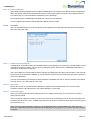
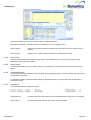
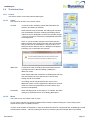
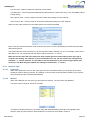
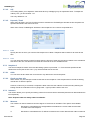
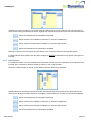
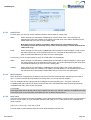
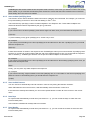
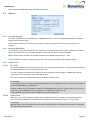
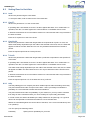
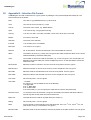
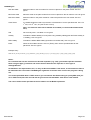
Available systems are listed on the left hand side and linked systems are listed on the right hand side. To move
specific systems between the boxes, highlight the required system and click on the movement buttons:
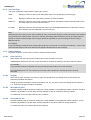
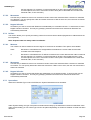
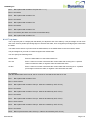
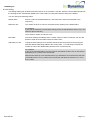
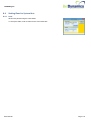
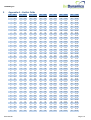
Moves the selected item from Available to Linked
Moves all items from Available to Linked (i.e. clears the Available list)
Moves all items from Linked to Available (i.e. clears the Linked list)
Moves the selected item from Linked to Available
When the required set of linked systems has been defined, click on the Save button to save the criteria.
1.6.3.10 Carry forward limits
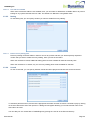
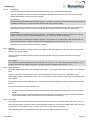
TheBetEngine keeps a running counts of the number of wins, losses, etc (see 1.2.2.6.4) for use when
evaluating the specified limits.
At the end of the racing day, TheBetEngine will reset those counts back to zero. If you want the limit counts to
continue into the next session, then this option should be ticked.
1.6.4 Next Stake
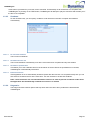
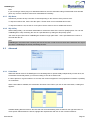
This displays the value of the next stake to be used and is updated automatically depending on the staking plan in
operation.
When the exact stake cannot be determined in advance (for example, where the stake depends on the odds of the
particular selection) then “TBD” will be displayed instead.
1.6.5 Virtual Bank
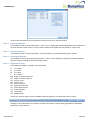
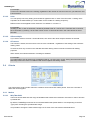
This displays the current value of the virtual bank associated with this betting tab.
To set up a virtual bank, click on the Configure button in the Staking section.
User Manual
Page 35