1
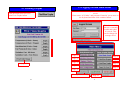
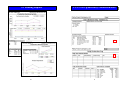
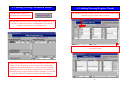
4.1 Adding/Viewing Production Details
From the Main menu press
the Production Details button.
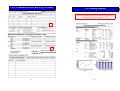
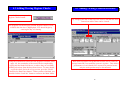
4.3 Adding/Viewing Hygiene Checks
By changing the date at the top of the screen, data that has been
entered on earlier dates can be viewed.
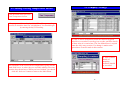
The program will then display a blank Daily production Log
record, in which the date box is highlighted. You should
begin by entering the day of production.
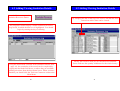
More information is available by pressing the arrow to move
across the screen
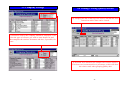
Using the information collected in the Production Details form
(page 10), the remainder of the record can be completed by
typing into the blank field boxes, or where they are available
making selections from the drop-down boxes. The totals are
calculated by the program. When you have finished, you should
click the ‘back one’ button to return to the Main Menu.
18
23