1
React Digital RC Desktop
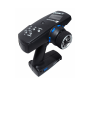
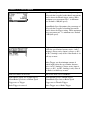
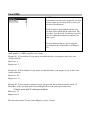
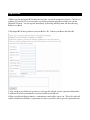
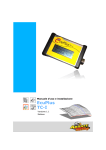
The innovative React Digital RC Desktop can be used to program the functionality of your
React using your computer. The supplied adaptor cable is used to connect your React to
an available USB port on your computer, allowing your React and the RC Desktop to
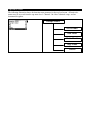
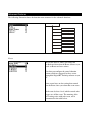
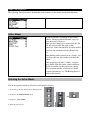
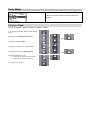
communicate and exchange information. The RC Desktop interface has the same menu
structure as that contained within your React; and has been designed to be very easy to
use.
Information may be transferred between your React and the RC Desktop so that you can
download your current setting information to your computer, make changes, and then
upload the newer settings. Updating the React firmware is as easy as uploading a file, or
using your Internet connection to retrieve the latest firmware file directly from Nomadio
and upload it to your React in one easy step.
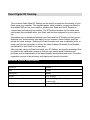
After you start using your React and install your RC Desktop, we strongly recommend that
you perform the registration process so that you can receive special incentives and
privileges, and be kept abreast of the latest Nomadio developments and news. The online
registration process is fast and easy, and requires an Internet connection.
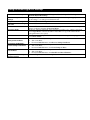
Minimum System Requirements
Processor
Pentium 3
Ram
128MB
HDD space
100MB
Display
VGA or better
Ports
Available USB port (1.1 or 2.0 port
recommended)
OS
Windows 2000, XP