1
WP-4511/4515/4521/4525/4530/4531/4535/4540/4545/4590/4595
User’s Guide
Printing
C
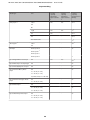
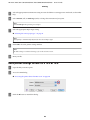
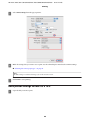
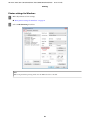
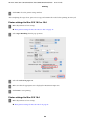
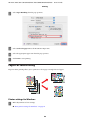
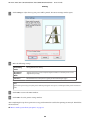
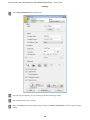
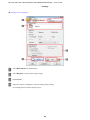
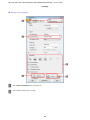
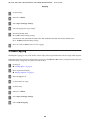
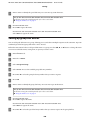
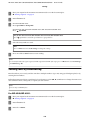
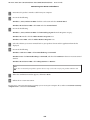
Click Settings to open the 2-Sided Printing Settings window.
D
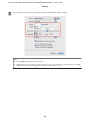
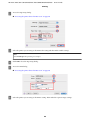
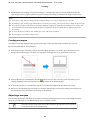
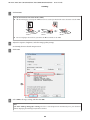
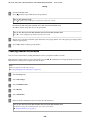
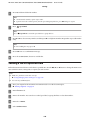
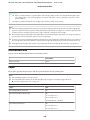
To print folded booklets using the 2-sided printing option, select the Booklet check box, and choose Center
Binding or Side Binding.
Note:
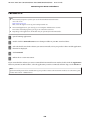
Center Binding is not available with manual printing.
E
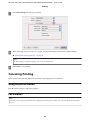
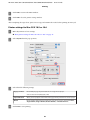
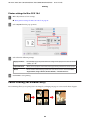
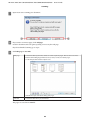
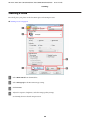
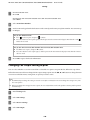
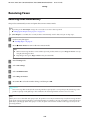
Select which edge of the document will be bound.
Note:
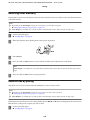
Some settings are not available when Booklet is selected.
52