1
Using Properties on a VideoDevice System Object
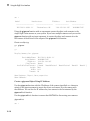
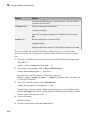
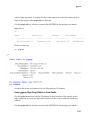
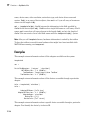
Note: This ROI value is 1-based. This differs from the videoinput object, the Image
Acquisition Tool, and the From Video Device block, all of which are 0-based.
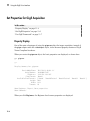
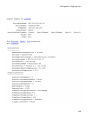
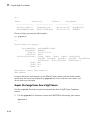
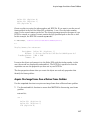
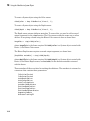
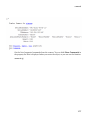
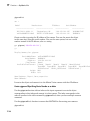
To set a device-specific property, use this syntax:
vidobj.DeviceProperties.Brightness = 150;
You can see that the syntax for setting a device-specific property is to use dot notation
with the object name, the DeviceProperties object, and the property name and then
make it equal to the property value.
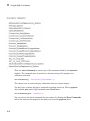
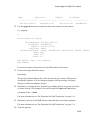
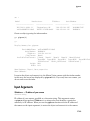
Another example of a device-specific property is setting the frame rate for a device that
supports it.
vidobj.DeviceProperties.FrameRate = '30';
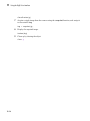
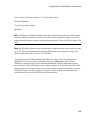
Note: Once you have done a step, in order to change a property or set a new one, you
need to release the object using the release function, before setting the new property.
14-13