1
DVDFab 9 User Manual
5.1 Help Button
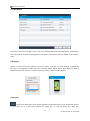
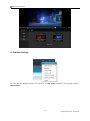
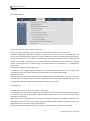
The Help Button sits at the top right corner of the Main Interface. From its context menu, you can see the
following tabs:
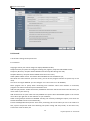
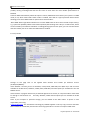
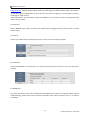
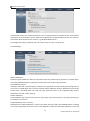
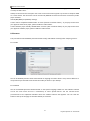
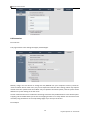
5.1.1 Common Settings: this tab leads to the Common Settings panel, which we will cover a lot in the later
chapters.
5.1.2 Open Recent: this can add a source quickly from your recent added list;
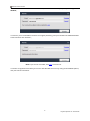
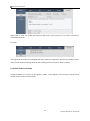
5.1.3 Activate: this leads you to the registration window.
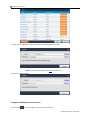
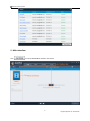
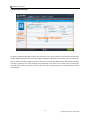
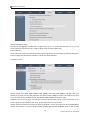
5.1.4 License Info: this window shows current status of all your paid DVDFab products.
10
Fengtao Software Inc. 2014-03-26