1
DVDFab 9 User Manual
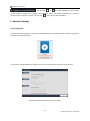
. You can click
or
to output DVD/Blu-ray movie folder
or ISO image file respectively; in Ripper and Converter option, the default destination is a directory
located on your computer C:\ drive, you can click
to change a preferred location.
6. Advanced Settings
6.1 In Copy tools
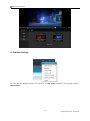
The Advanced Settings button is right under the Mode Switcher and above the Volume Label, lying at the
left pane of the Main Interface.
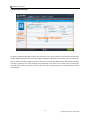
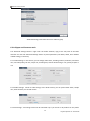
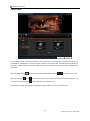
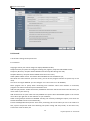
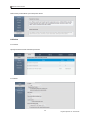
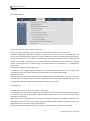
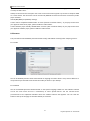
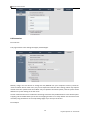
In Copy tools, including DVD Copy and Blu-ray Copy, it has the following settings as shown below:
Advanced Settings panel when the source is DVD
18
Fengtao Software Inc. 2014-03-26