1
Centerm Information Co.,Ltd
2.
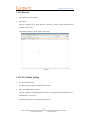
Run the “Sound” program
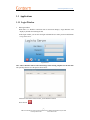
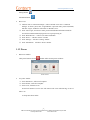
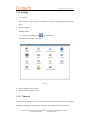
Click the “Settings” in the login interface to enter the “settings” panel and double click
“Sound” icon to run it.
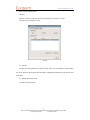
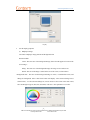
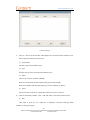
The operating interface is as the picture shows below:
Sound
3.
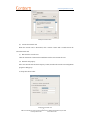
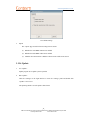
Adjust the volume
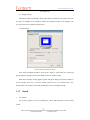
When the scroll bar of the volume is focused, you can adjust the volume by right/left click of
the mouse(according to the setting of the mouse), mouse wheel, the up and down keys, Page UP,
Page Down, Home and End keys;
Note: when you set the volume to be lower than 30, you cannot hear anything. Please
adjust the volume to be higher than 30.
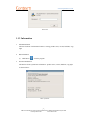
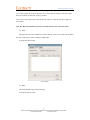
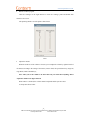
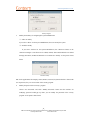
When “Mute” is checked, the volume cannot be adjusted and the system is mute.
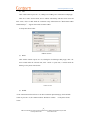
As the picture shows below:
13
ADD:2/F #22 Star-net Science Plaza Juyuanzhou #618 Jinshan Road,Fuzhou Fujian China
[email protected]
www.centerm.com