1
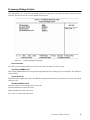
Frequency/Voltage Control
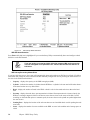
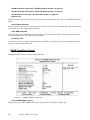
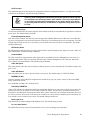
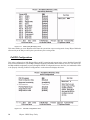
This item enables you to set the clock speed and system bus for the system. The clock speed and system bus are determined by the kind of processor you have installed in the system.
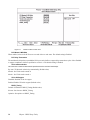
Figure 3.17
Frequency/Voltage Control menu
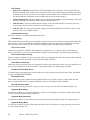
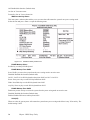
CPU Clock Ratio
The CPU clock ratio setting defines how fast the CPU clock runs relative to the bus speed.
Auto Detect DIMM/PCI Clk
When enabled, BIOS disables the clock signal of unpopulated PCI slots, reducing power consumption. The default setting is Enabled.
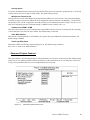
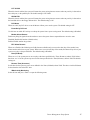
Spread Spectrum
Enable this item to significantly reduce the EMI (Electro-Magnetic Interference) generated by the system. The default
setting is 0.25%.
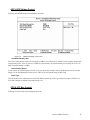
CPU Host/AGP/PCI Clock
This item’s options will auto change based on CPU FSB.
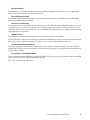
Disabled: Disabled auto detect PCI clock.
Enabled: Enabled atuo detect PCI clock.
Press <Esc> to return to the main menu.
Frequency/Voltage Control
41