1
Conference System User Manual
SAMCEN
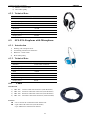
3. SCS Simultaneous Interpreter Unit
3.1.
Introduction
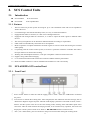
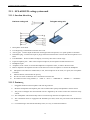
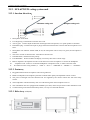
SCS-320PA interpreter unit
3.2.
Physical View
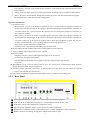
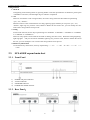
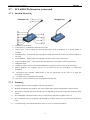
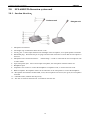
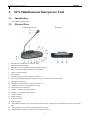
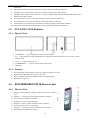
SCS-320PAFront View
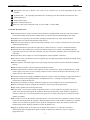
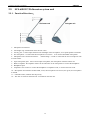
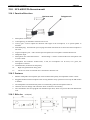
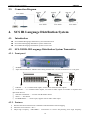
Rear Panel
1.
2.
3.
4.
5.
6.
7.
8.
9.
10.
11.
12.
13.
14.
15.
16.
17.
18.
19.
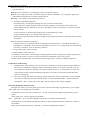
Microphone red indicator to show mic state
Unidirectional electret MIC
Microphone LCD, can display input and output channel
MIC. 3.5mm input jack to connect the microphone.
Phone 3.5mm input jack
Inner speaker
Microphone input channel (fast key channel 0-4)
Slow key: Delegates/Interpreter speak too fast; give a request for slow the speed.
Microphone on/off key
Microphone output channel (fast key channel 1-5)
Mute key: Prevention on interpreter's cough
Channel busy/mute indicator
Volume -: Decrease the input volume
Volume +: Increase the input volume
Output channel –
Output channel +
Input put channel –
Input channel +
Input DB25 connector: first unit connect to the main unit, and the next unit connect the previous unit output
port.
20. 13P connector, use for connect 13P interpretation system
21. Output DB25 connector: connect the next interpreter’s unit.
17