1
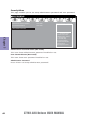
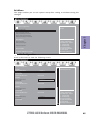
Deleting a RAID set
1.
2.
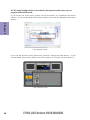
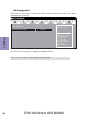
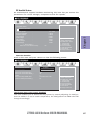
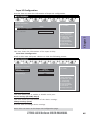
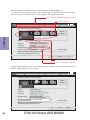
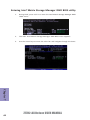
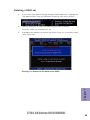
In the main Intel® Matrix Storage Manager RAID BIOS menu, highlight Delete RAID Volume using the up/down arrow key then press <Enter>.
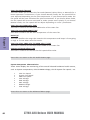
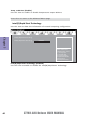
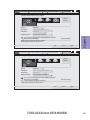
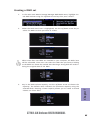
Use the space bar to select the RAID set you want to delete.
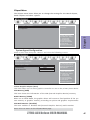
Press the <Del> key to delete the set.
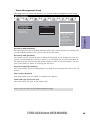
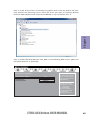
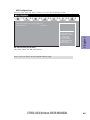
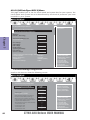
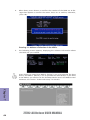
A dialogue box appears to confirm the action. Press <Y> to confirm; otherwise, press <N>.
Pressing <Y> deletes all the data in the HDDs.
Chapter 7
3.
Z77H2-AX Deluxe USER MANUAL
85