1
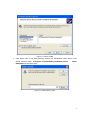
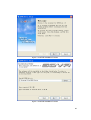
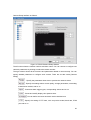
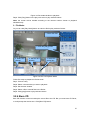
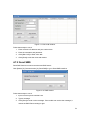
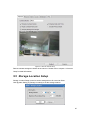
Figure 4-5 Add a remote IP address
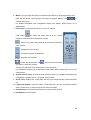
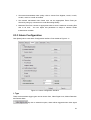
Follow these steps to add a remote IP address
Step1: Click [Add] button, begin to add an account.
Step2: Type remote user’
s IP address in the box, then press [Enter]
Step3: Click to select or cancel the user’
s function list.
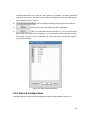
Step4: To enable IP verification besides username filter, be sure to click to select
.
Step5: Press [OK] to save your changes.
Note: If you enabled IP verification, only these IP can access SDVR remotely.
4.3 Tools
4.3.1 E-Map Editor
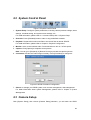
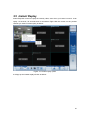
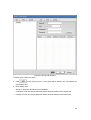
E-Map is used to display surveillance area in map, so user can easily find the location of
each camera, sensors. Moreover, it shows the alarms been triggered.
68