1
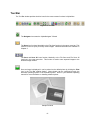
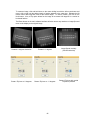
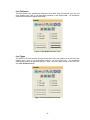
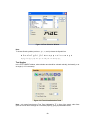
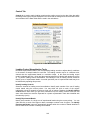
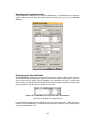
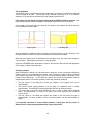
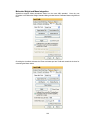
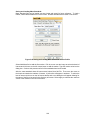
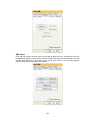
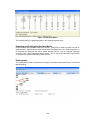
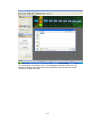
Set Parameters:
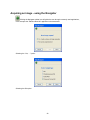
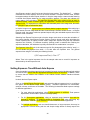
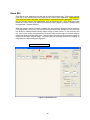
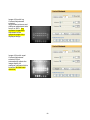
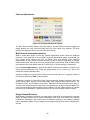
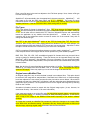
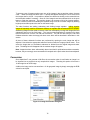
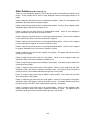
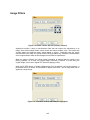
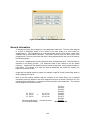
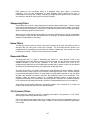
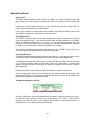
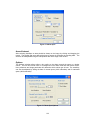
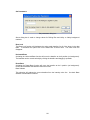
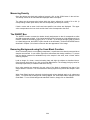
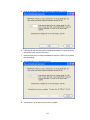
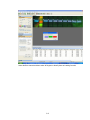
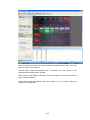
Set parameters dialog box
Above dialog box is used to change values for Rolling Disc and Valley to Valley background
methods.
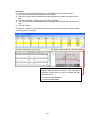
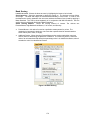
Base Lock
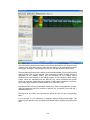
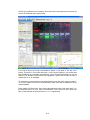
The Base Lock function will designate the active graph baseline for all of the lanes in the data
table. To de-select this option click on the Base Lock a second time. The check mark will
disappear.
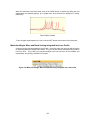
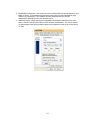
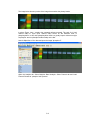
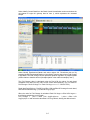
Horizontal Base
Activating the Horizontal Base function will move the baseline to the 0 position (no background).
The baseline can be moved vertically by clicking the baseline and dragging it upwards.
Reset Base
Activating the Reset Base function will move the baseline to the 0 position (no background).
Unlike Horizontal Base the baseline cannot be moved.
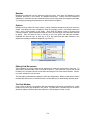
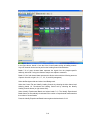
Base Subtract
This selection will subtract the current baseline from the intensity value line. Un-check Base
Subtract to deactivate this feature.
161