1
Chapter 3
Sensitivity
Product Version 10.5
Reviewing measurement data
−
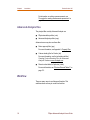
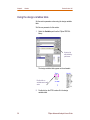
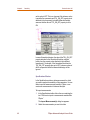
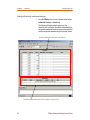
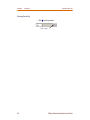
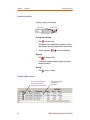
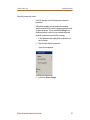
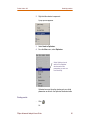
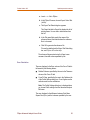
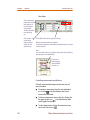
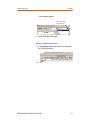
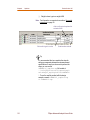
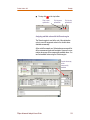
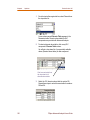
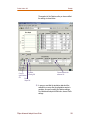
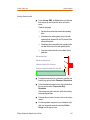
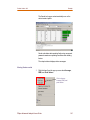
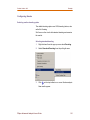
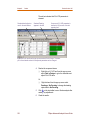
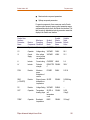
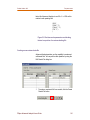
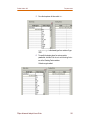
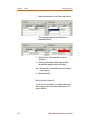
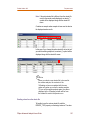
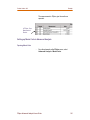
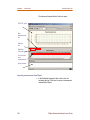
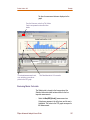
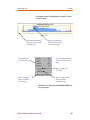
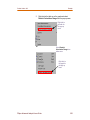
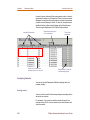
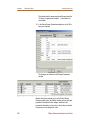
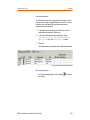
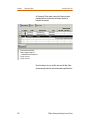
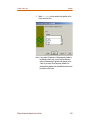
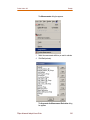
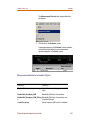
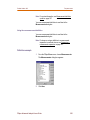
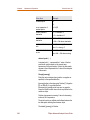
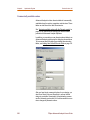
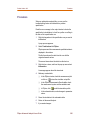
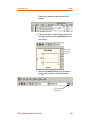
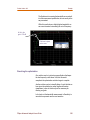
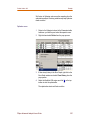
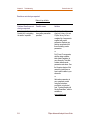
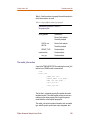
Select a measurement on the Specifications table.
A black arrow appears in the left column on the
Specifications table, the row is highlighted, and the Min
and Max columns display the worst-case minimum and
maximum measurement values.
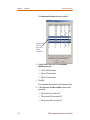
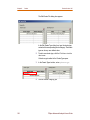
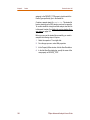
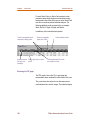
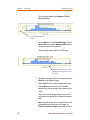
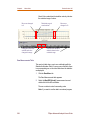
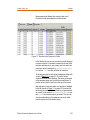
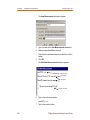
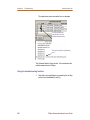
The Parameters table will display the values for
parameters and measurements using the selected
measurement only.
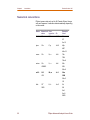
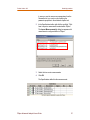
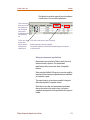
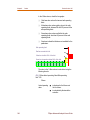
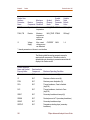
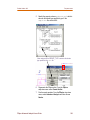
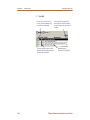
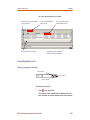
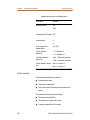
Interpreting @min and @max
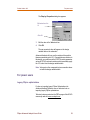
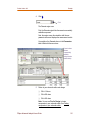
Values displayed in the @min and @max columns are the
parameter values at the measurement’s worst-case minimum
and maximum values.
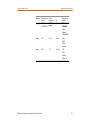
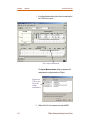
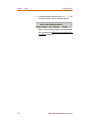
If a measurement value is insensitive to a component, the
sensitivity displayed for that component will be zero. In such
cases, values displayed in the @Min and @Max columns will
be same and will be equal to the Original value of the
component.
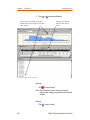
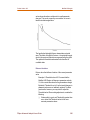
Negative and positive sensitivity
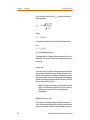
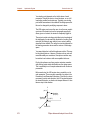
If the absolute or the relative sensitivity is negative it implies
that for one unit positive increase in the parameter value, the
measurement value increases in the negative direction.
For example, if for a unit increase in the parameter value, the
measurement value decreases, the component exhibits
negative sensitivity. It can also be that for a unit decrease in
the parameter value, there is an increase in the measurement
value.
On the other hand, positive sensitivity implies that for a unit
increase in the component value, there is an increase in the
measurement value.
48
PSpice Advanced Analysis Users Guide