1
SPECCHIO
User Guide
Page 69
of 103
5.2.11.1 Removing data
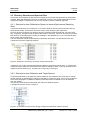
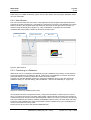
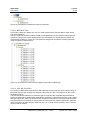
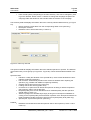
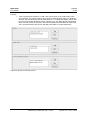
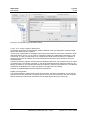
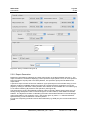
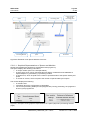
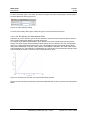
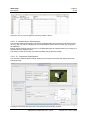
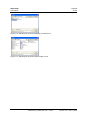
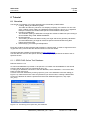
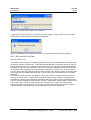
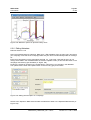
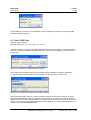
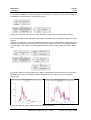
Spectra, hierarchies and campaigns can be removed from the database using the Data Remover
(cf. Figure 91). Users can only remove their own data from the database. The spectral database
administrator can remove all datasets irrespective of their owner.
Use the spectral data browser to select the nodes that should be removed and click the ‘Remove’
button. There is no further prompt to warn you! All data that is below the selected node will be deleted. E.g. if a campaign is selected then all hierarchies and spectra belonging to this campaign will
be deleted. In addition, all metadata that has been entered for an object will be removed along with
this object.
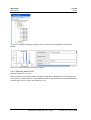
Removing data can take a long time; the progress report shows which hierarchy is currently being
removed.
Figure 91: Data Remover dialog
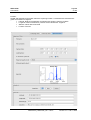
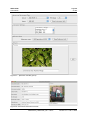
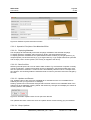
5.2.11.2 Campaign Export
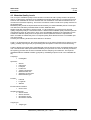
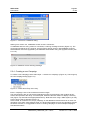
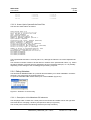
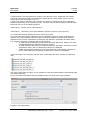
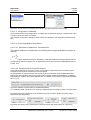
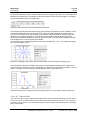
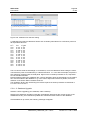
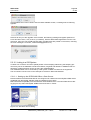
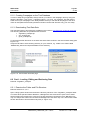
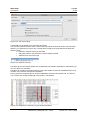
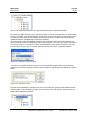
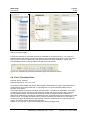
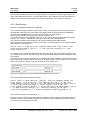
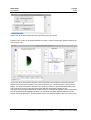
The campaign export functionality is used to write all data of a campaign to an xml file while retaining the relational structure. These xml files can then be used to import the campaign into another
SPECCHIO database instance.
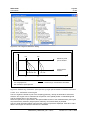
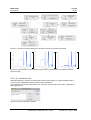
Figure 92: Campaign Export Dialog
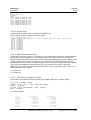
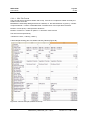
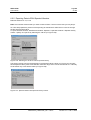
The xml file structure contains all table entries that are required to reproduce the exported campaign in its relational structure. Entries are ordered by their inserting sequence, i.e. the campaign
import will carry out the inserts in the order given by the file.
5.2.11.3 Campaign Import
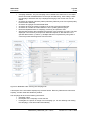
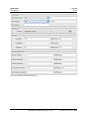
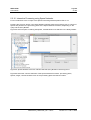
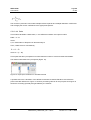
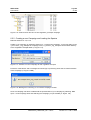
The Campaign import function is only available for users that have the rights equal to the
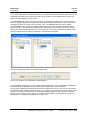
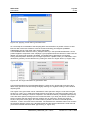
SPECCHIO database administrator user (sdb_admin). The import function requires an xml file created by the SPECCHIO campaign export function. The import will create an exact copy of the exported campaign and will insert new system table entries if required (e.g. new sensor definitions).
\SPECCHIO_UserGuide_V2.1.1.docx
Version 2.1.1 / 02.11.2010